

How much time do you lose to the same repetitive tasks in Photoshop, Illustrator, or InDesign? Learn how AI can automate those tasks for you! This session shows you how to use AI to generate scripts, build Actions, and create automated workflows that speed up production. You’ll see how tools like the MATE plug-in turn plain-language prompts into real automation inside your Adobe apps. Learn how to eliminate tedious steps, streamline your process, and work faster with custom AI-powered solutions you can build yourself.
Key takeaways:
- Use AI to write custom scripts and actions for Photoshop, Illustrator, and InDesign
- Create custom UI panels with MATE to run complex workflows inside InDesign
- Automate repetitive tasks such as resizing, renaming, and exporting with AI
- Generate color themes and swatches automatically with AI
This article was last modified on March 9, 2026
This article was first published on March 9, 2026
Commenting is easier and faster when you're logged in!

Recommended for you
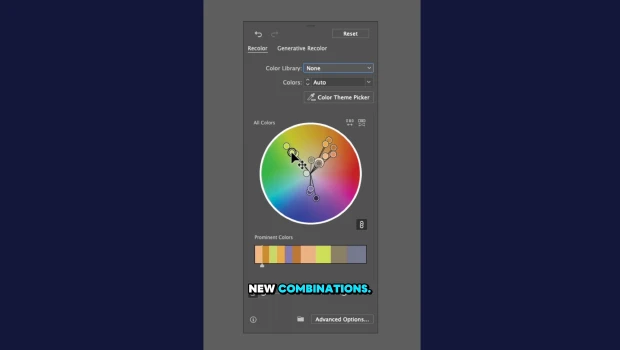
Experiment with Colors in Illustrator
Easily experiment and swap out colors in your Illustrator artwork.
Closed Captioning in Premiere
Add captions to your Premiere video to ensure everyone benefits from its audio t...
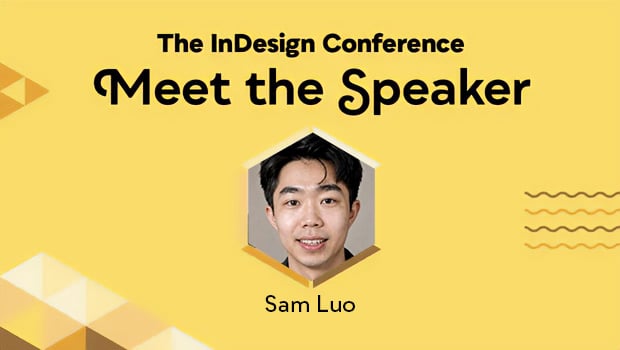
Interview with Sam Luo, Designer and YouTube Creator
Discover how a passion for helping fellow students led the founder of LYH Studio...