



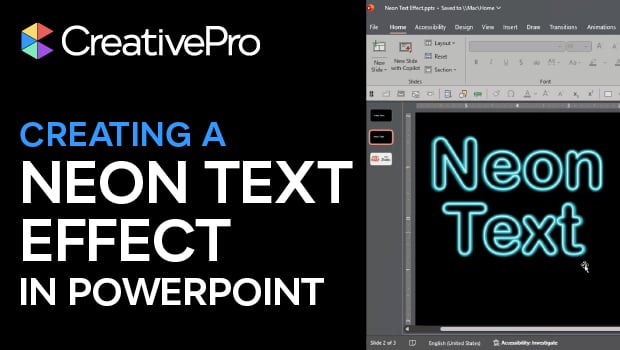
In this PowerPoint how-to video, Stephy Hogan demonstrates how to create neon text effects with the application’s native tools. In the Format Shape Text Options menu, Stephy uses some clever Stroke, Shadow, and Glow tricks to construct her neon text. The result is a fully editable effect, all in PowerPoint!
Subscribe to the CreativePro YouTube channel for more helpful design tips!
This article was last modified on February 17, 2026
This article was first published on February 17, 2026
Commenting is easier and faster when you're logged in!

Recommended for you

Sort and Combine Cross References
Unlike subtopics, which InDesign sorts, cross-references are printed in the orde...

How to Create a Neon Glow Effect in Illustrator
Learn how to create a neon glow effect in Illustrator and save it as a graphic s...

Remove Blemishes in Photoshop With a Click
Khara Plicanic shows us how to remove blemishes from skin in Photoshop with just...