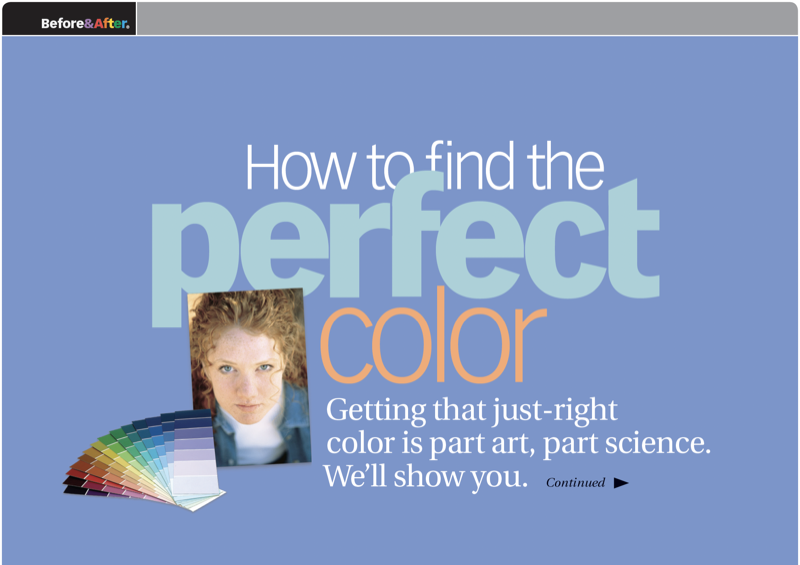
Before&After: How to Find the Perfect Color
Hidden in your photo is the color palette you need. Here’s how to get it out.

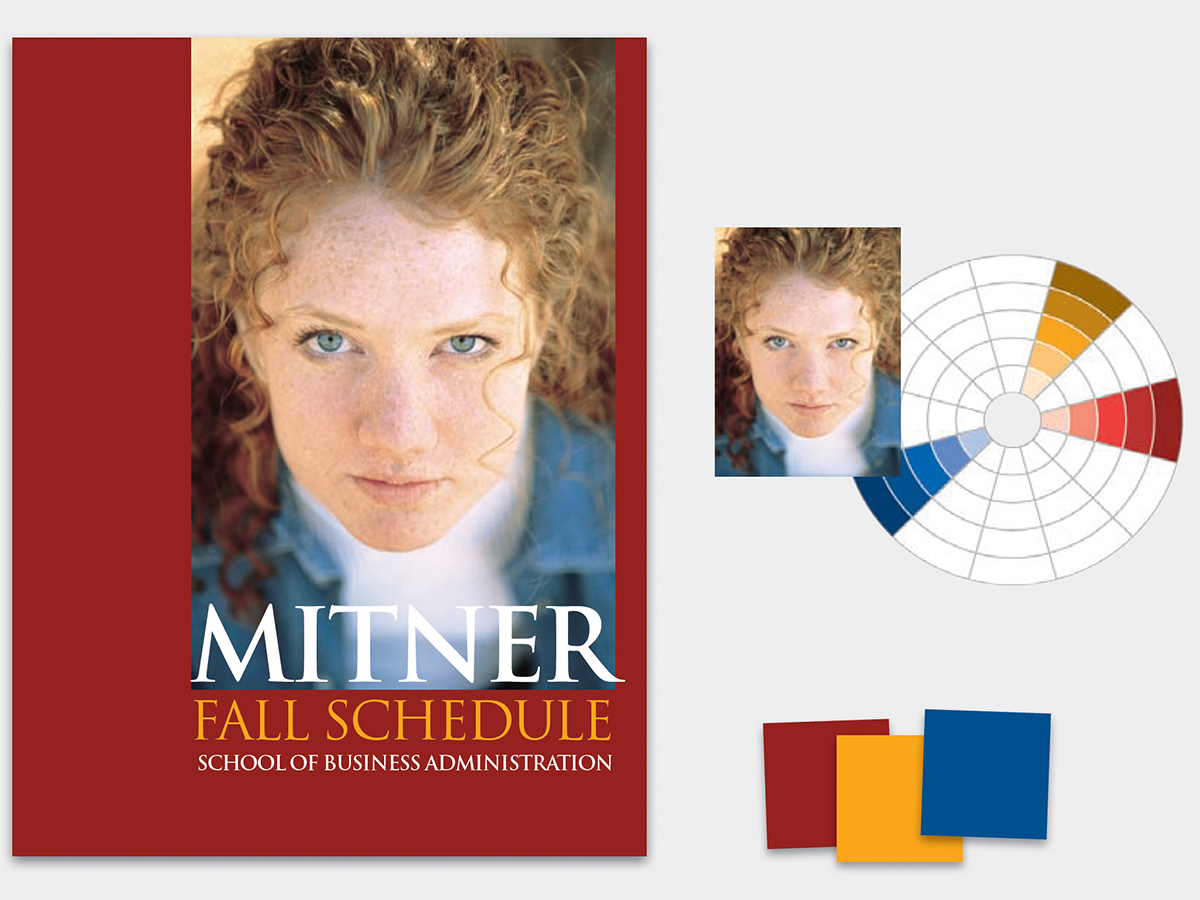
Every photo has a natural color palette. First step is to find it and organize it. Zoom in on your photo, and you’ll be astonished by how many colors you see. You’ll extract colors with the eyedropper tool. This 12-page article from issue 31 of Before&After Magazine teaches you how to design a color-coordinated document based on the colors in any element on the page.
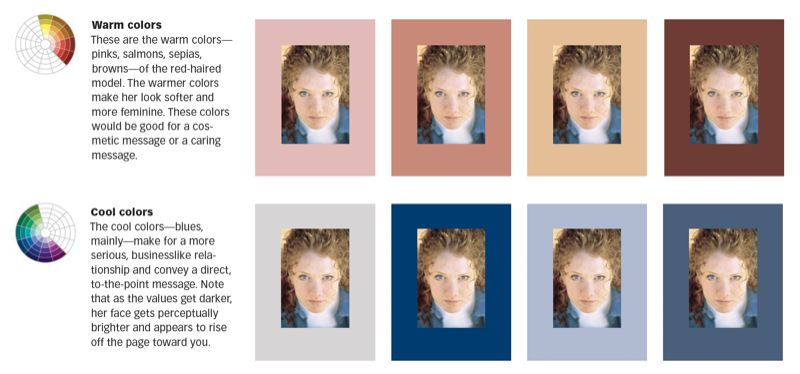
Select any of the colors, and locate it on the color wheel, a tool to show you a color’s relationship to other colors.
© John McWade/Before&After Magazine, courtesy of Gaye Anne McWade.
Commenting is easier and faster when you're logged in!

Recommended for you

Before&After: This Small Newsletter Reads Big
A publication with a half-size page is easy to design and creates a strong impre...

Before&After: Design a Peekaboo Brochure
This brochure with a narrow front panel gives a peek at the inside, which opens...