



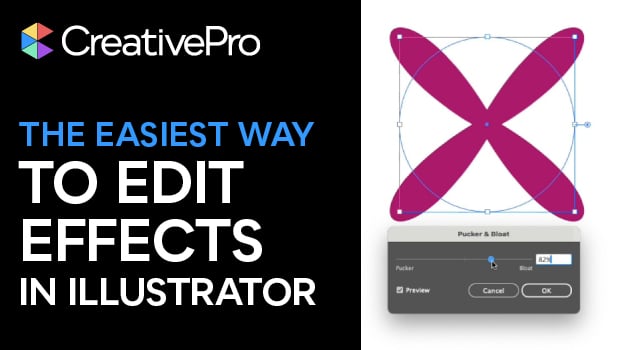
In this quick video, Khara Plicanic shows how to use Illustrator’s Appearance panel to make changes to applied effects. She also demonstrates adding multiple effects to an item.
Subscribe to the CreativePro YouTube channel for more helpful design tips!
This article was last modified on January 14, 2026
This article was first published on January 14, 2026
Commenting is easier and faster when you're logged in!

Recommended for you

Tip of the Week: Making Torn Paper Effects
This InDesign tip on making torn paper effects was sent to Tip of the Week email...
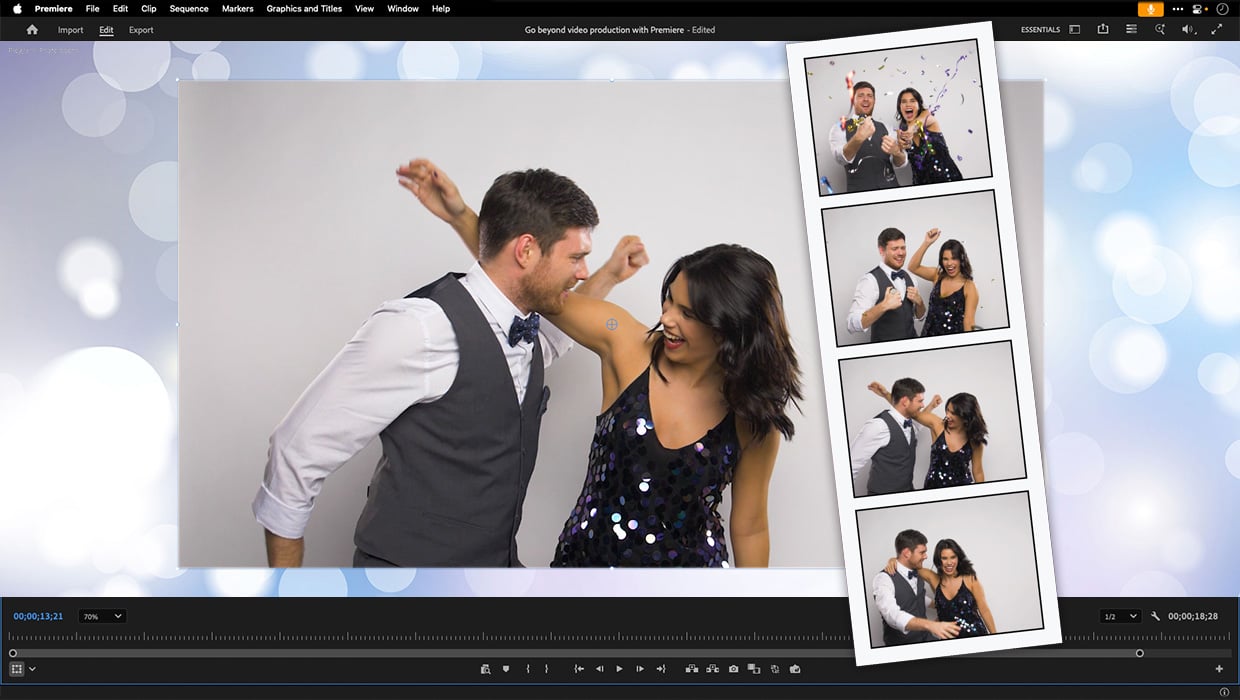
Premiere: It’s Not Just For Video
Designers using InDesign and Photoshop can look at Premiere as a surprising reso...
InDesign Magazine Issue 96: Type FX
We’re happy to announce that InDesign Magazine Issue 96 (April 2017) is now avai...