


Members-Only Video: Essential Tips and Tricks Every InDesign User Needs
David Blatner demonstrates some of his all-time favorite tips and tricks for InDesign

This article appears in Issue 50 of CreativePro Magazine.
Over the past 25 years, no one has helped InDesign users be more efficient and have more fun than David Blatner. During that time, David has shared hundreds of amazing tips and tricks for getting the most out of the program. In this video, he demonstrates 25 of his all-time favorite tips. If you use InDesign every day, this is essential viewing.
Here are some of the highlights:
- Shortcuts for selecting the content vs. the container
- Fitting frames to content
- Using the right workspace
- Preferences you should change
- Customizing keyboard shortcuts
- Measuring with the Gap tool
- Using math in panel fields
- Scaling objects to a specific size
- Using Quick Apply
- Generating QR codes
- Finding a specific glyph
- Using Gridify and Live Distribute
- Starting a document on a left-hand page
- Fun Easter eggs
- …and much more!
Commenting is easier and faster when you're logged in!

Recommended for you
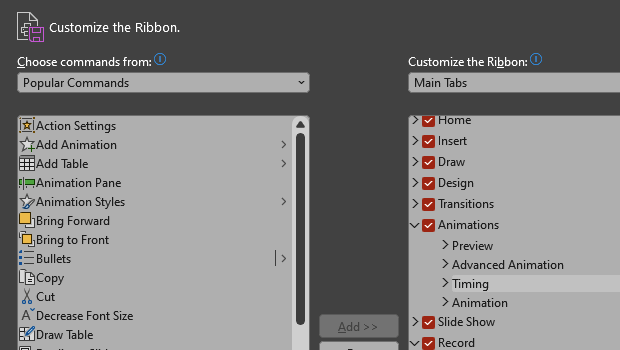
How to Customize the Ribbon in PowerPoint
Make PowerPoint work for you, by customizing the Ribbon, hiding tabs you don’t u...

How to Customize the Quick Access Toolbar in PowerPoint
Ready to crank up your PowerPoint efficiency to 11? Customize the Quick Access T...

10 Essential Tips for Working with Styles in InDesign
Use these 10 important tips to get the most out of text styles in InDesign.