



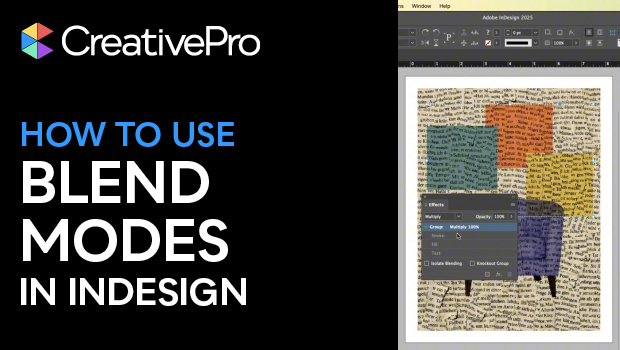
In this short video, Khara Plicanic shows how to add a little Photoshop-level magic to your InDesign layouts with the use of blend modes. Easily apply this effect—to photos, shapes, text, and even to entire groups—from the top of the Effects panel. Try out the different modes to create a wide range of effects on your next InDesign creation.
Subscribe to the CreativePro YouTube channel for more helpful design tips!
This article was last modified on October 30, 2025
This article was first published on October 30, 2025
Commenting is easier and faster when you're logged in!

Recommended for you

Creating Number Circles
Try one of these techniques to add some pop to your next numbered list.
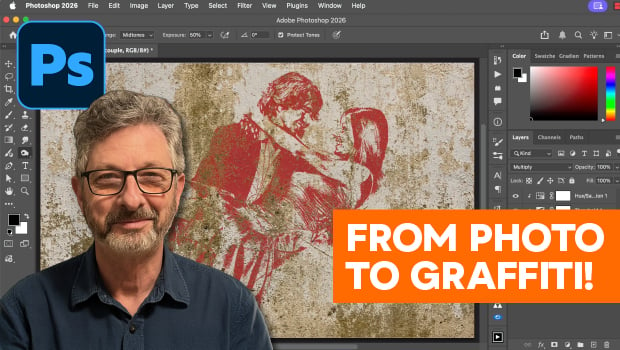
How to Turn a Photo into Graffiti in Photoshop
Create a spray-painted masterpiece in Photoshop with Steve Caplin.
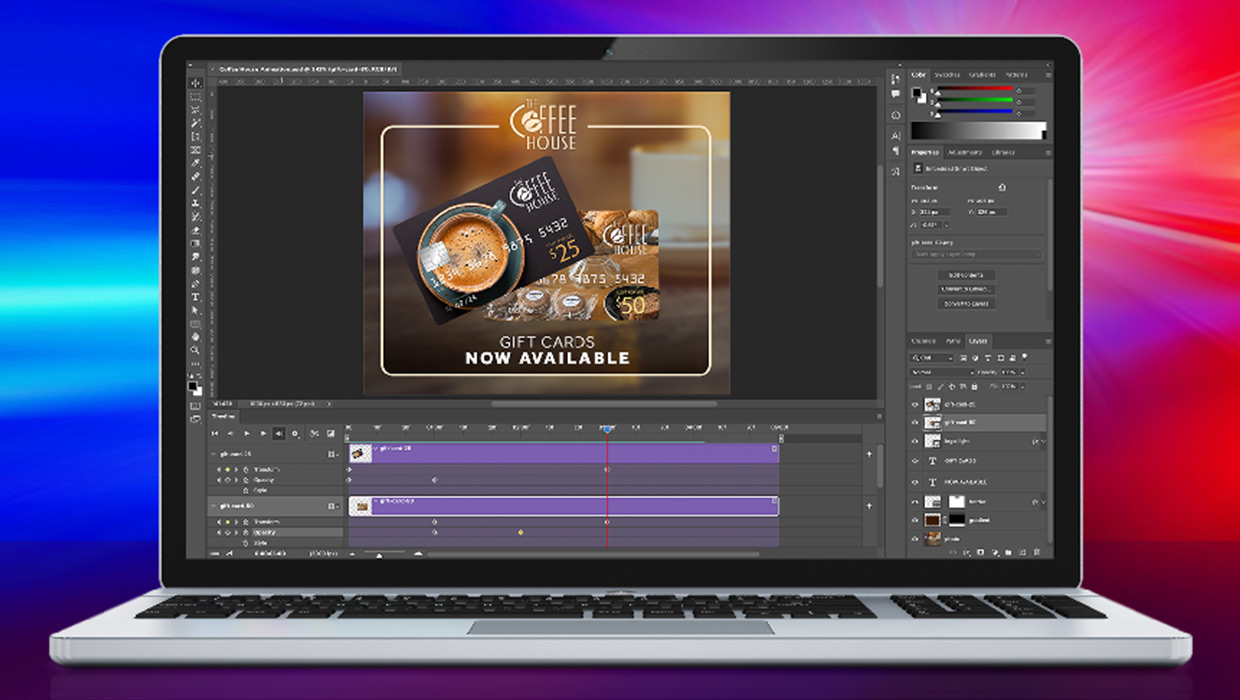
Compositing Video in Photoshop
Tips for using masks, blend modes, filters, and more with video in Photoshop.