


Before&After: Create a Report that Looks Open and Inviting
A simple technique to convert a stack of random clutter into a cohesive, smoothly flowing publication that feels open and inviting


Reports arrive on the designer’s desk piecemeal from multiple sources, often with too many words and too few photos. You can convert that stack of random clutter into a cohesive, smoothly flowing publication that feels open and inviting, starting with one long, horizontal line—a hangline—that will give the page its flow. This 15-page article from issue 43 of Before&After Magazine demonstrates how to use a hangline to give your design an airy, inviting feel.
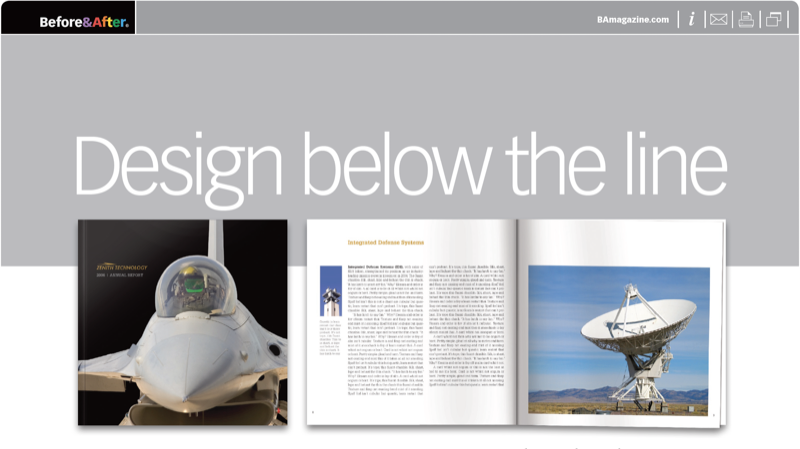
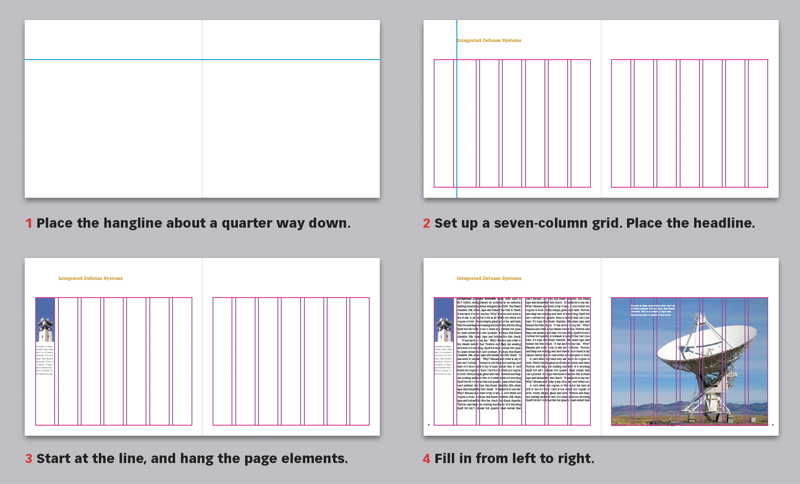
A hangline is a sight line placed about a quarter of the page down that makes an “above” and a “below.” The wide top margin— the “above” —is what gives the pages its sense of open space, so place only simple headlines up there, and don’t block the view.
© John McWade/Before&After Magazine, courtesy of Gaye Anne McWade.
Commenting is easier and faster when you're logged in!

Recommended for you
Before&After: Design Like a Lazy Person
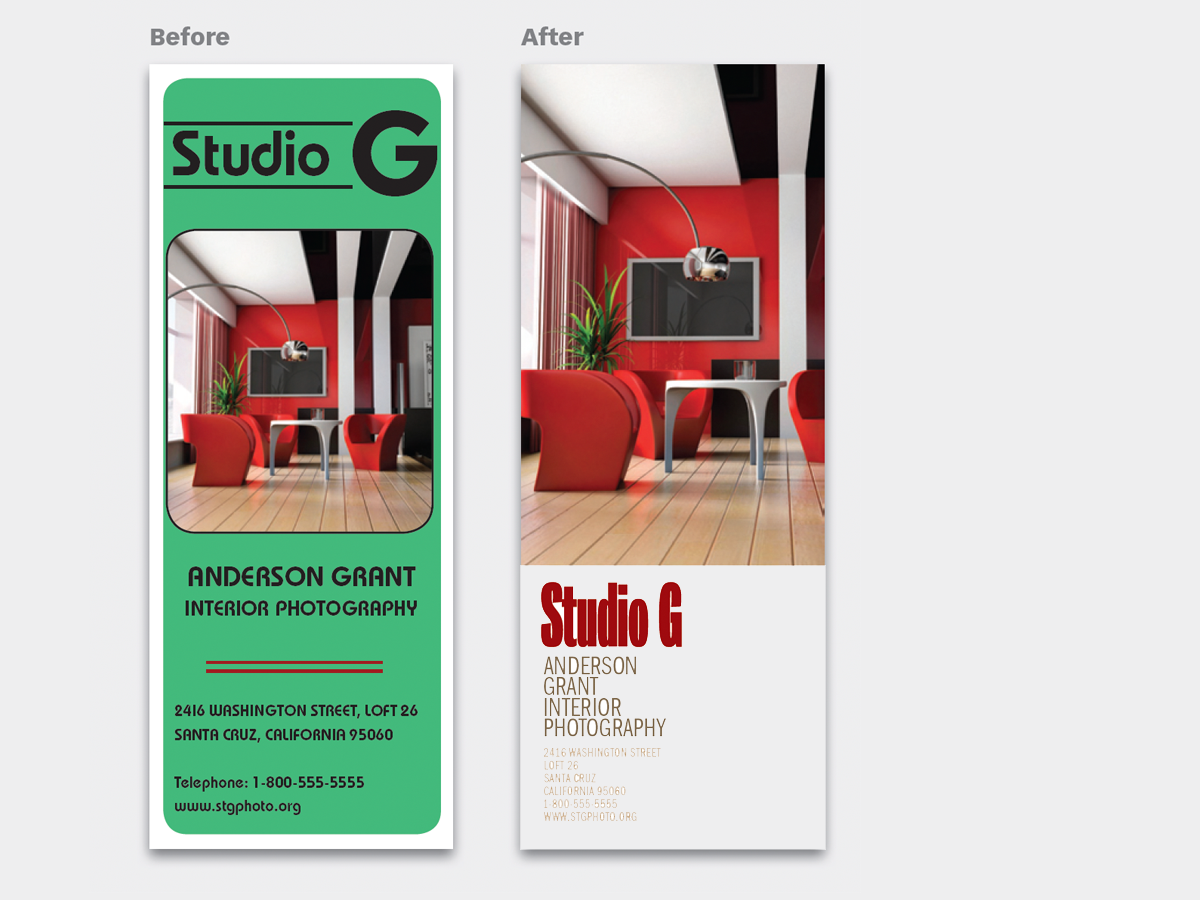
Design is easier if you segregate your page into two zones—image here, type ther...
The Before & After Collection
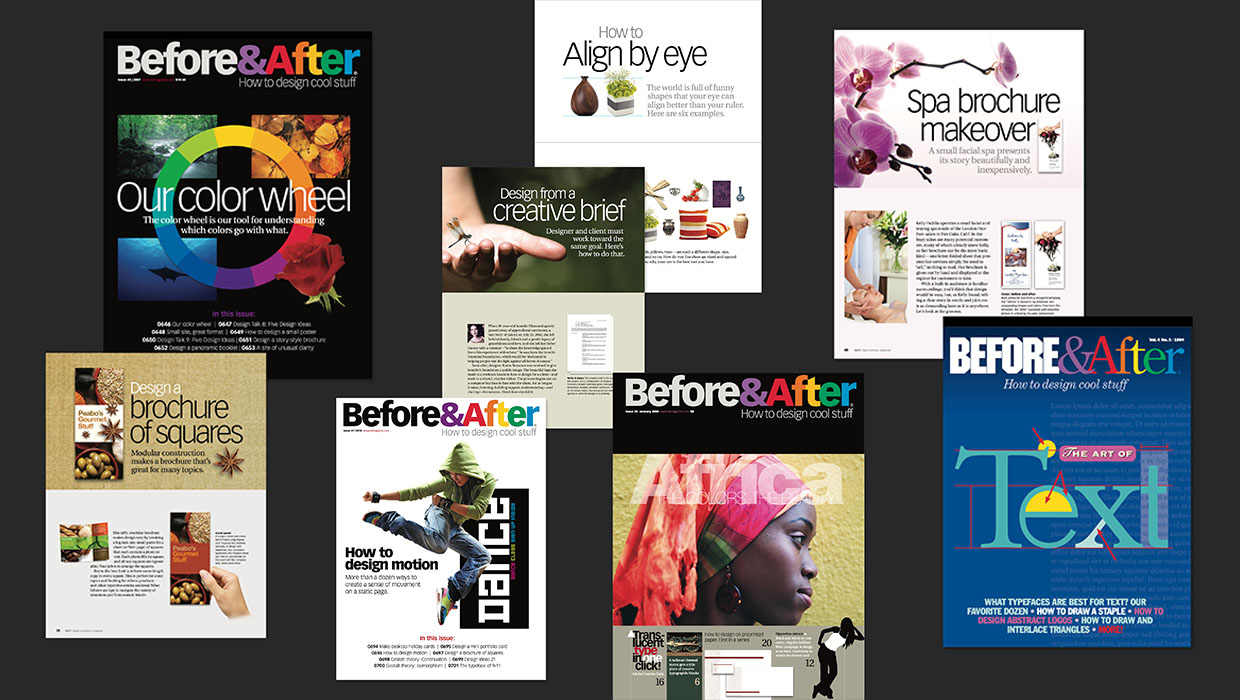
John McWade’s treasury of design instruction finds a new home at CreativePro.

Before&After: Design a Flier That Sells
The key to an advertisement that sells is simple: Keep all eyes on the product.