



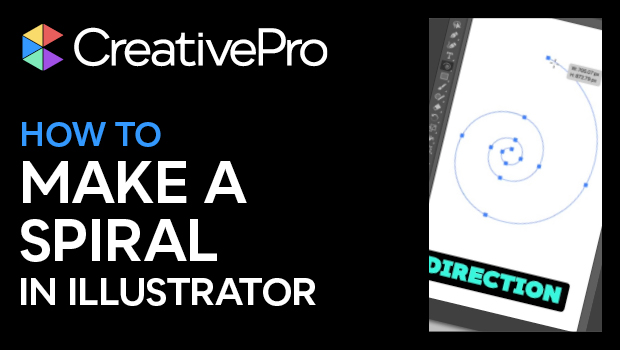
In this short Illustrator video, Khara Plicanic finds the Spiral tool hidden behind the Line Segment tool. She shows how you can easily create a spiral path, as well as move, spin, tighten, or stretch out your spiral. Lastly, she demonstrates a simple trick for adding or subtracting spiral segments.
Subscribe to the CreativePro YouTube channel for more helpful design tips!
This article was last modified on August 29, 2025
This article was first published on July 17, 2025
Commenting is easier and faster when you're logged in!

Recommended for you

Book Excerpt: Creating and Exporting Content for Web and Mobile Projects with Illustrator
The following excerpt was taken from Learn Adobe Illustrator CC for Graphic Desi...

How to Create Dotted Lines in Illustrator
Learn how to create a dotted line in Illustrator by setting the gap amount and h...

Review: Datylon Graph for Adobe Illustrator
The most advanced graphing tool available inside Illustrator CC What tools do yo...