


Before&After: Shape a Feathered Edge
Artistically erase part of an image, shaping it to fit the space

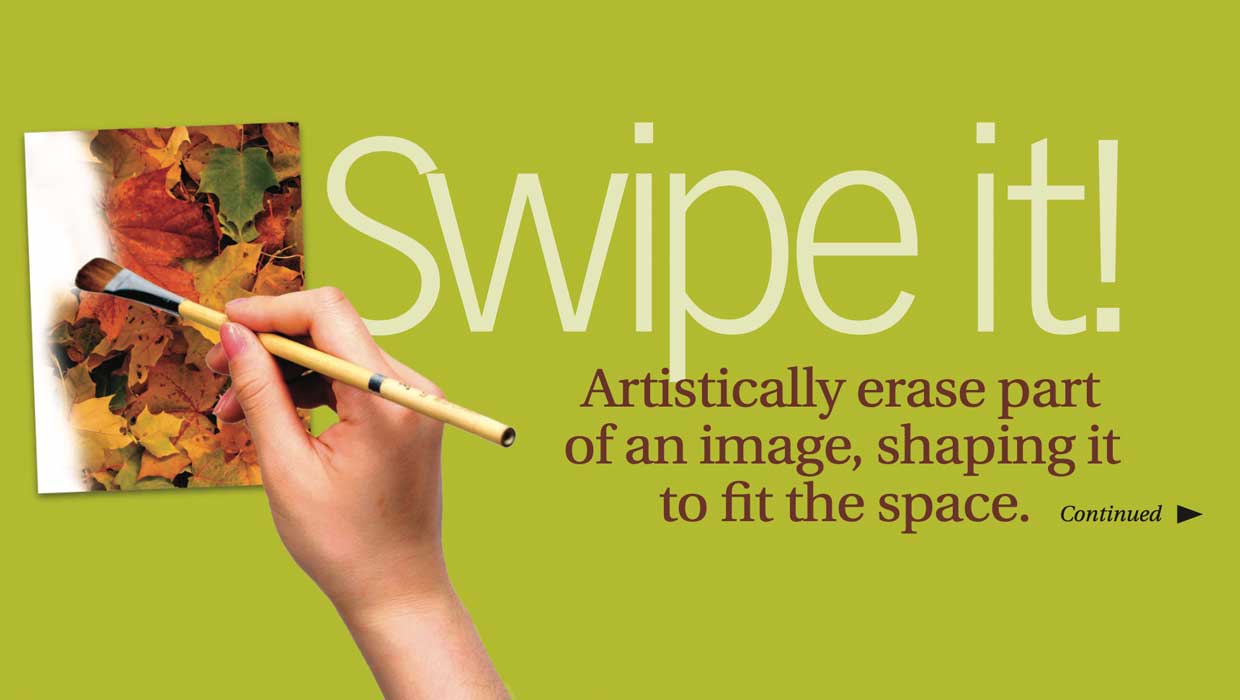
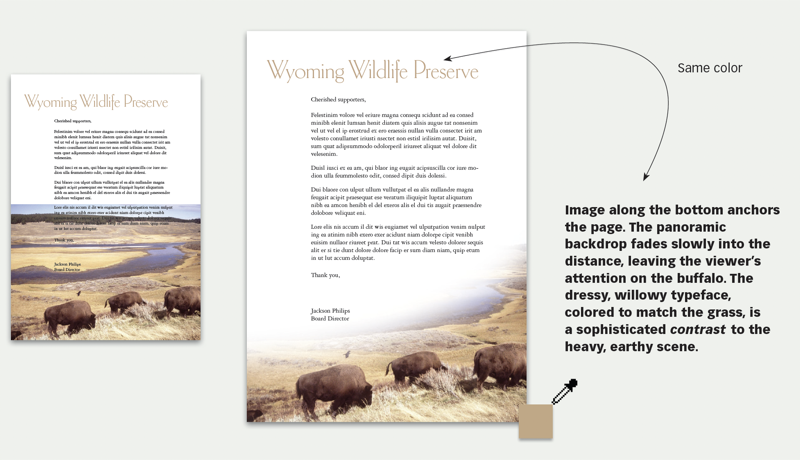
Here’s your problem: You have photo and type competing for the same space, and something has to give. One alternative: erase some of the photo, and turn it into a design element. A feathered edge will soften its transition to the page. This 15-page article from issue 39 of Before&After Magazine shows you how to feather a photo creatively to maintain its vibrance.
Keep in mind that you want type and image to work together, so what you’re looking for is how they interact.
© John McWade/Before&After Magazine, courtesy of Gaye Anne McWade.
Commenting is easier and faster when you're logged in!

Recommended for you
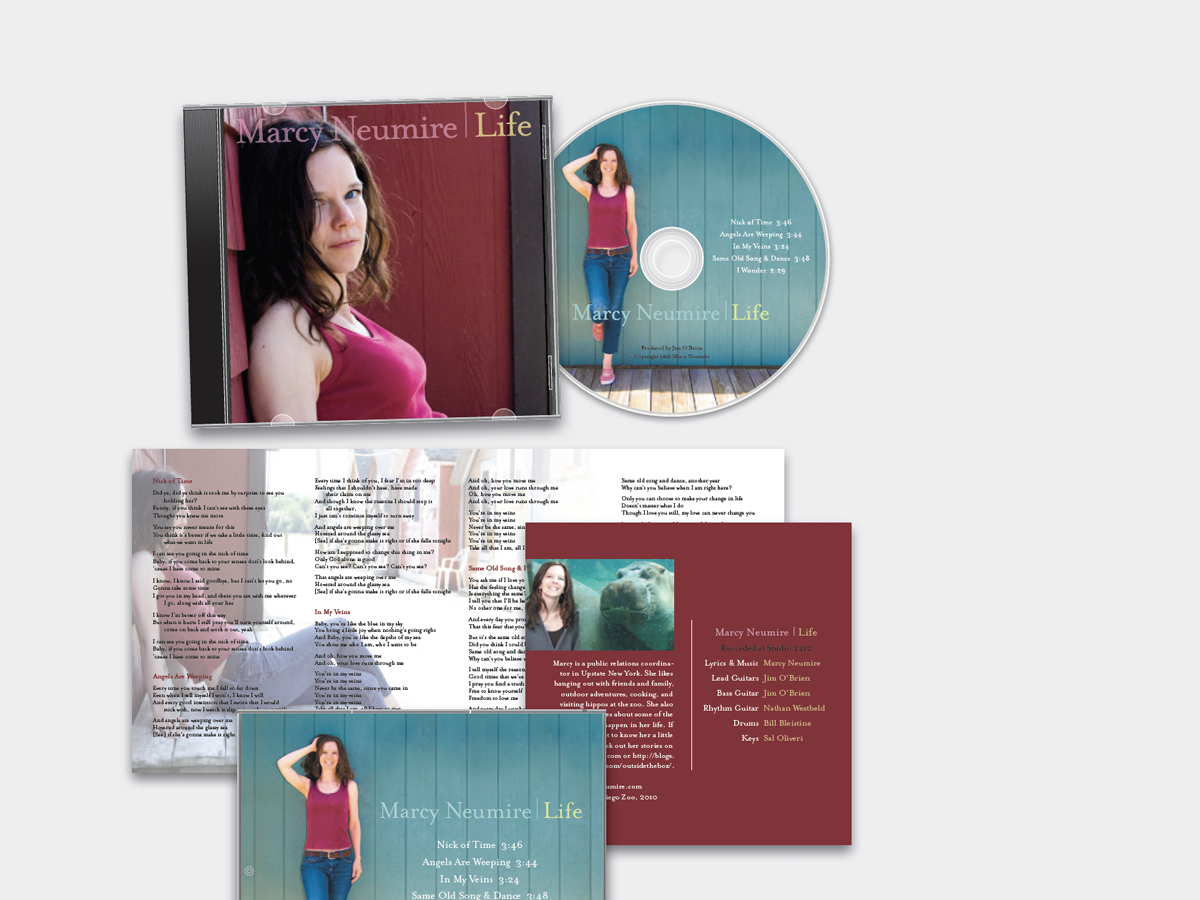
Before&After: Design a CD/DVD Package
We redesign a CD package to make it look as good as the music sounds.
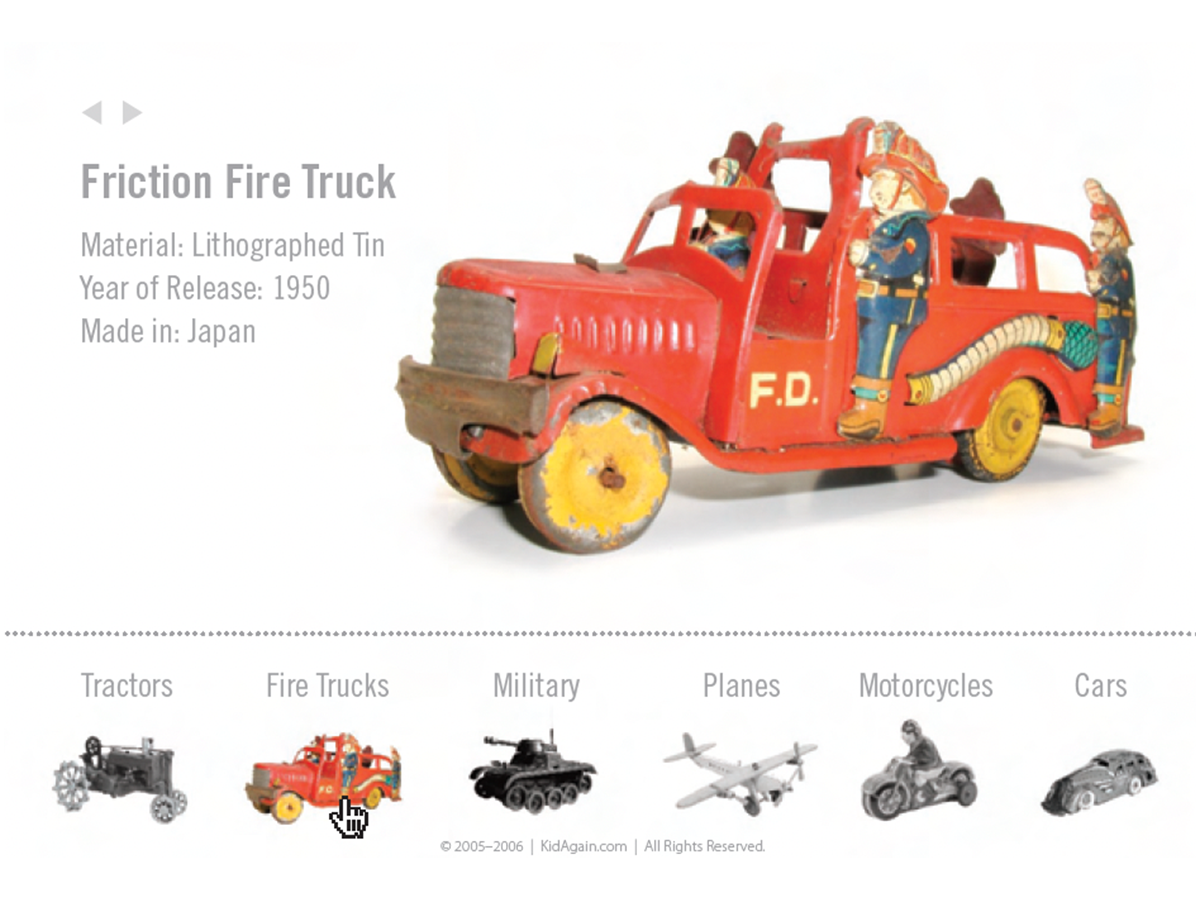
Before&After Design Tip: Use Color to Mark an Active Hyperlink
A little pop of color can increase clicks on a hyperlink.
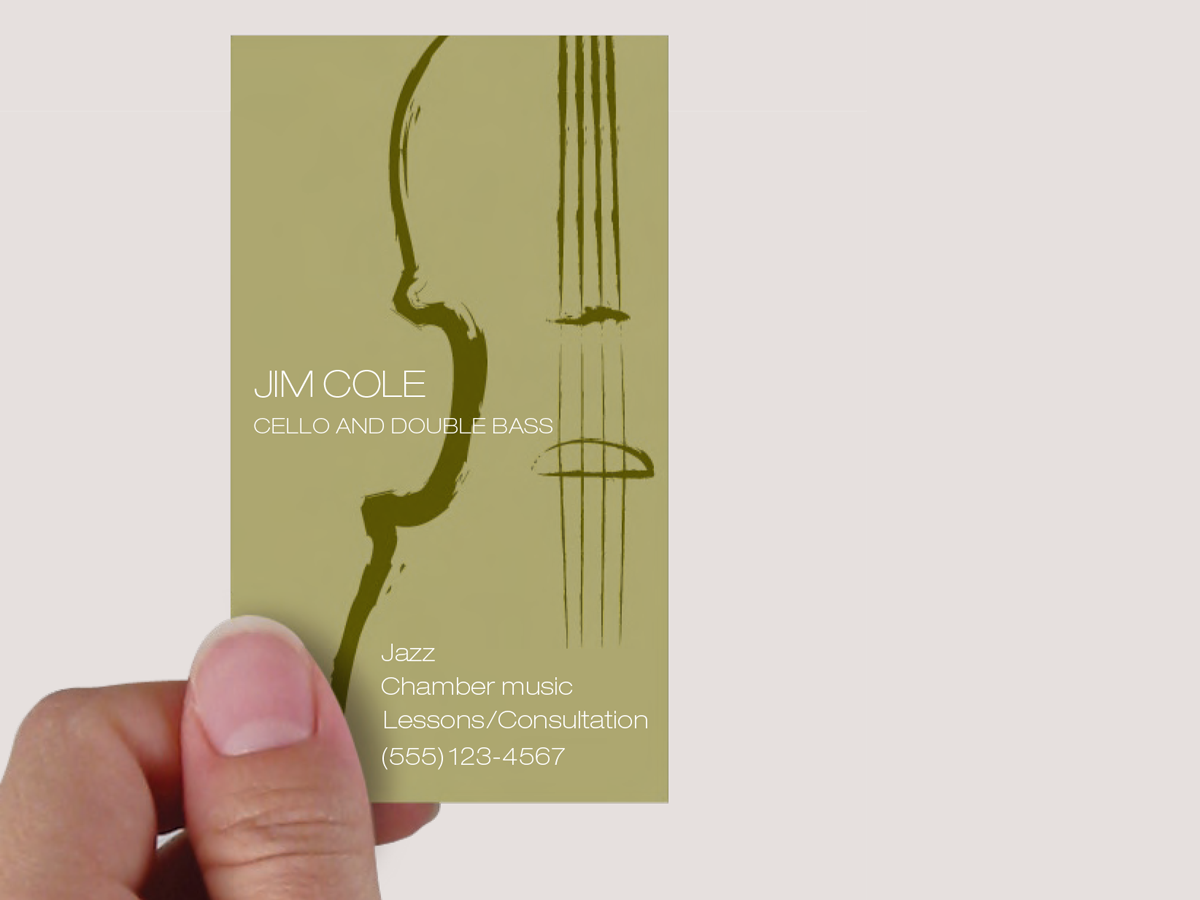
Before&After: Evocative Business Card for a Tiny Budget
This musician’s business card gets a lot of visual atmosphere out of just a few...