



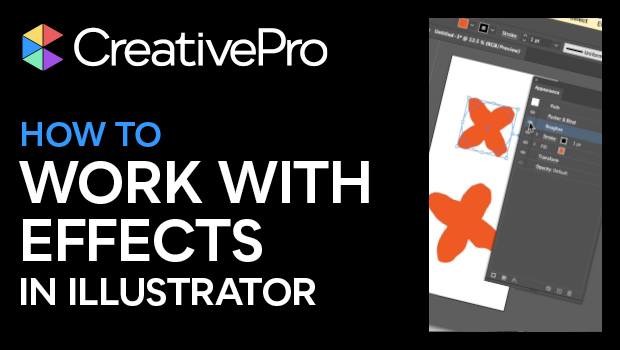
In this Illustrator how-to video, Khara Plicanic shows how to work with effects in Illustrator. She demos adding an effect and making adjustments. Khara then layers multiple effects in the Appearance panel and then expands the item’s appearance.
Subscribe to the CreativePro YouTube channel for more helpful design tips!
This article was last modified on August 29, 2025
This article was first published on May 23, 2025
Commenting is easier and faster when you're logged in!

Recommended for you

Paper Cut Out FX
With just a few clicks with the Pen tool in InDessign you can create this fun ef...

Quick Wins: Vector Drawing Skills
Use these five resources to boost your vector drawing skills.
InDesign Downloadable: Print-to-Ebook Package
Use these vector patterns, swatches, and symbols to add a dreamlike whimsy to yo...