




Adobe Illustrator is a powerful tool for creating visually stunning and accessible graphics, but it can be a challenge to make sure those graphics are accessible. Discover techniques for designing graphics that are inclusive, user friendly, and compliant with accessibility standards.
Key Takeaways:
- Guidelines for creating accessible graphics in Adobe Illustrator
- Techniques for optimizing color contrast and readability
- Tips for ensuring compatibility with assistive technologies
This article was last modified on April 24, 2025
This article was first published on April 4, 2025
Commenting is easier and faster when you're logged in!

Recommended for you

Formatting Tips for Bullets and Numbered Lists
Take control of the look of your lists with these tips on formatting them with p...
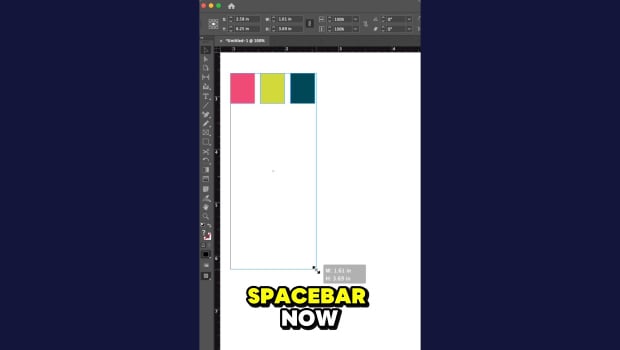
Scale Spacing Between Objects in InDesign
Khara Plicanic shows how to use the spacebar to adjust the spacing between objec...

CreativePro Week: Designing for the Real World – George F. Baker III
Atlanta-based muralist George F. Baker III shares his insights into what it take...