



Many PowerPoint users don’t realize that every slide rests on a template, an essential part of its underlying structure. A poorly designed template costs users time, money, and efficiency, whereas a well-constructed one is key to maximizing productivity and creating professional quality presentations.
In this session, you’ll learn how to set up slide masters, apply font themes, and work with color themes. You’ll also learn about what fonts to steer clear of, using background styles to make sure text doesn’t disappear, and avoiding “orphaned” layouts.
Key Takeaways:
- Understanding the difference between templates and themes
- Creating effective, functional layouts
- Setting up and optimizing theme fonts
- Best practices for developing color themes
This article was last modified on April 24, 2025
This article was first published on April 4, 2025
Commenting is easier and faster when you're logged in!

Recommended for you
Scanning Around With Gene: The Signs, They Are A Changin'
Saturdays were always taco night in my house growing up. And the best part of ta...

Enfocus Launches New Versions of its Award-Winning PDF Workflow Tools
Major upgrades of products from Artwork Systems’ Enfocus brand, the world...
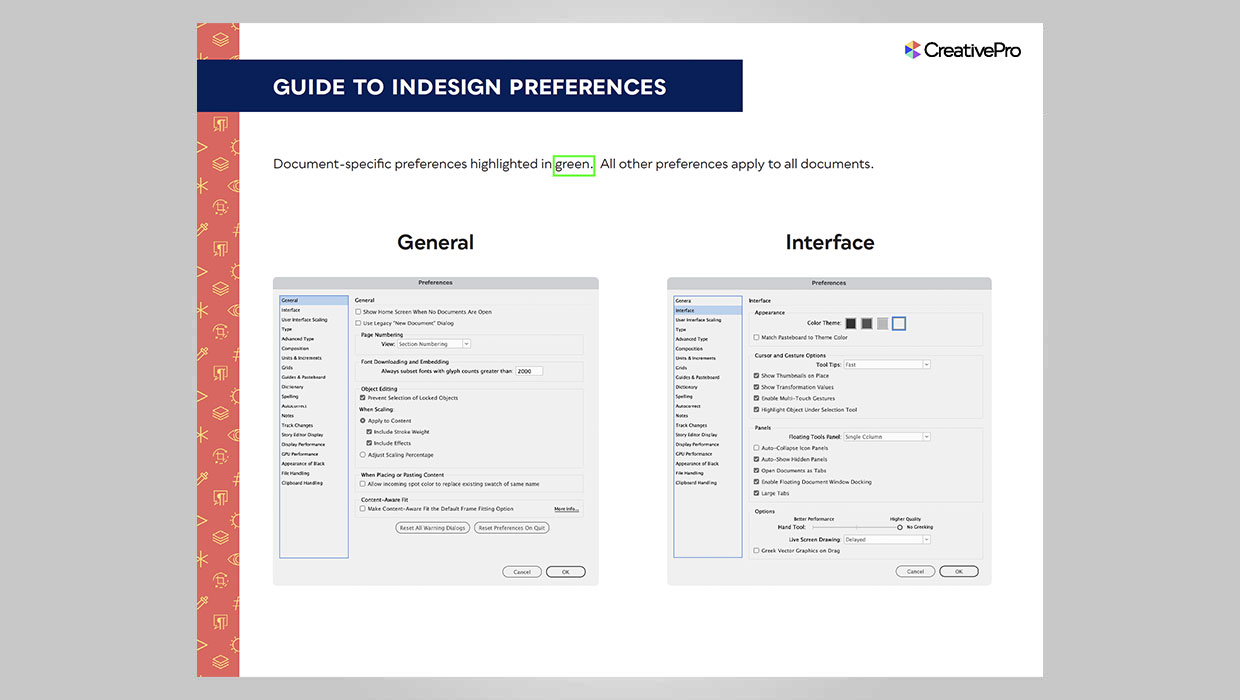
InDesign Downloadable: Preferences Guide
A guide to which preferences are global and which are document specific in InDes...