



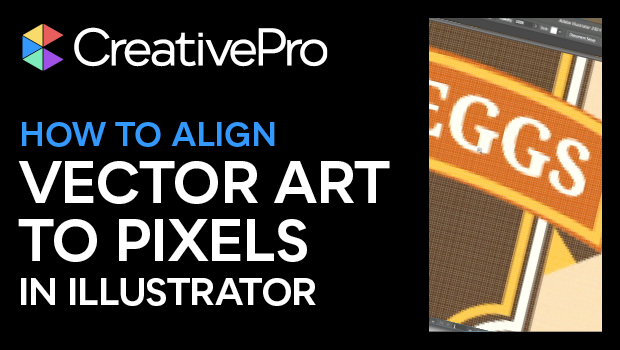
In this “Three Minutes Max” video, Bart Van de Wiele shows how to keep your vector artwork in Illustrator crisp when transitioning it to pixels. Since much of your artwork will ultimately end up being viewed onscreen, you’ll want it to align with the pixel grid to keep everything looking as straight and sharp as possible. Bart comes through with “this one simple tip.”
Three Minutes Max comes from a fun—yet very competitive—session at our annual CreativePro Week conference. Speakers have three minutes to wow the audience with the tip and win a prize for a lucky conference attendee.
Subscribe to the CreativePro YouTube channel for more helpful design tips!
This article was last modified on August 29, 2025
This article was first published on January 3, 2025
Commenting is easier and faster when you're logged in!

Recommended for you
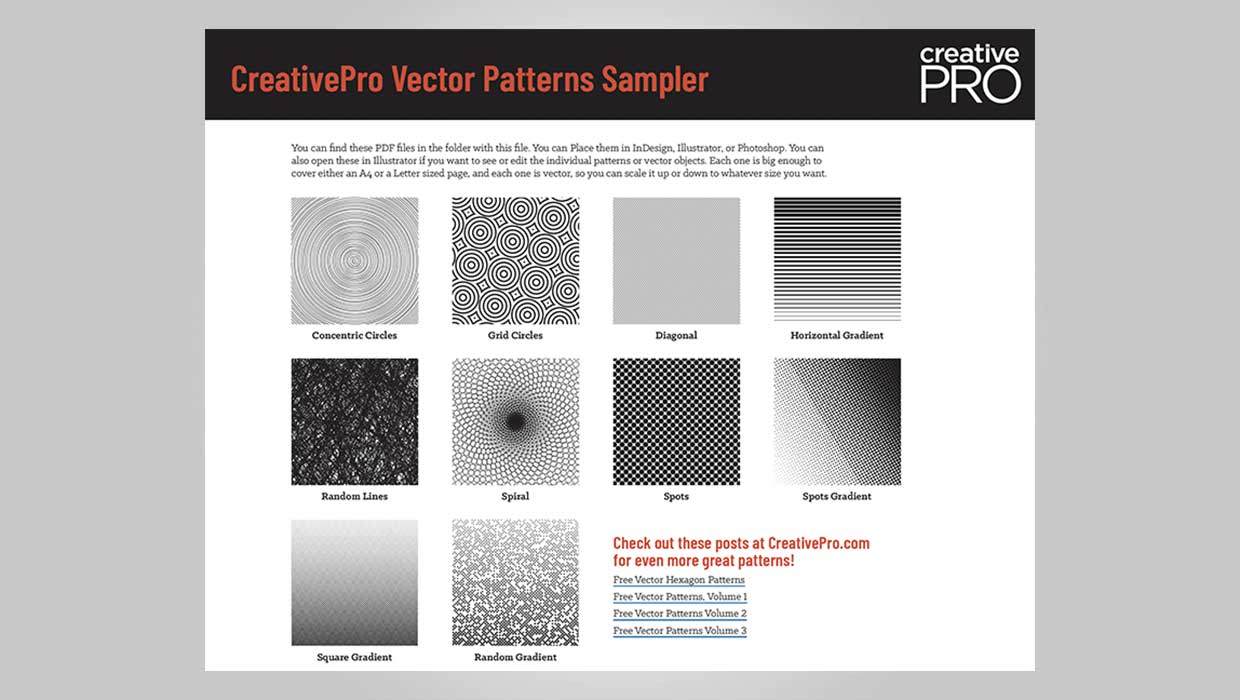
Downloadable: Vector Patterns
61 scalable patterns that you can use in InDesign, Illustrator, or Photoshop

Quick Wins: Vector Drawing Skills
Use these five resources to boost your vector drawing skills.

How to Use Illustrator’s Draw Inside Feature
Learn how to use Illustrator’s Draw Inside feature, which automatically creates...