



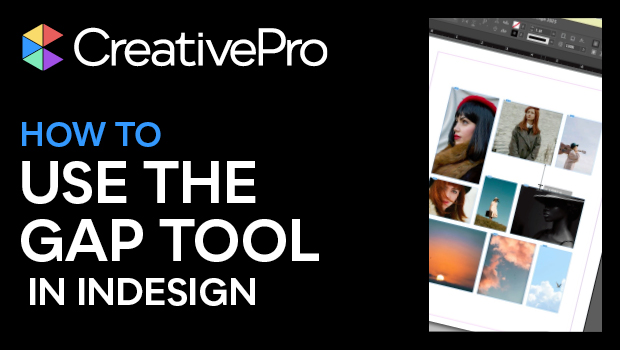
In this InDesign how-to video, Khara Plicanic demonstrates the power of the Gap tool. This tool is super helpful when arranging and controlling relationships between photos (or other objects) on the page. Khara also demos the different options such as moving the objects nearest a gap and adjusting specific gap amounts.
Subscribe to the CreativePro YouTube channel for more helpful design tips!
This article was last modified on August 29, 2025
This article was first published on November 19, 2024
Commenting is easier and faster when you're logged in!

Recommended for you

Page Setup
To define the text area of a page in InDesign, you set the four margins (top, bo...

Before&After: Use a Simple Grid With Endless Variety
Snap-together modules make this format for ads and promotions easy—but get the s...

How to be a Better Designer: Design on a Grid
When you design on a grid, it helps you decide what goes where, so you can spend...