




In this Illustrator how-to video, Khara Plicanic lets us in on a very helpful Photoshop Layers panel hack. By default, thumbnails in the Layers panel show the entire artboard area. Khara shows us how to change the preference to display only the content from each layer in the thumbnail.
Subscribe to the CreativePro YouTube channel for more helpful design tips!
This article was last modified on August 29, 2025
This article was first published on November 12, 2024
Commenting is easier and faster when you're logged in!

Recommended for you
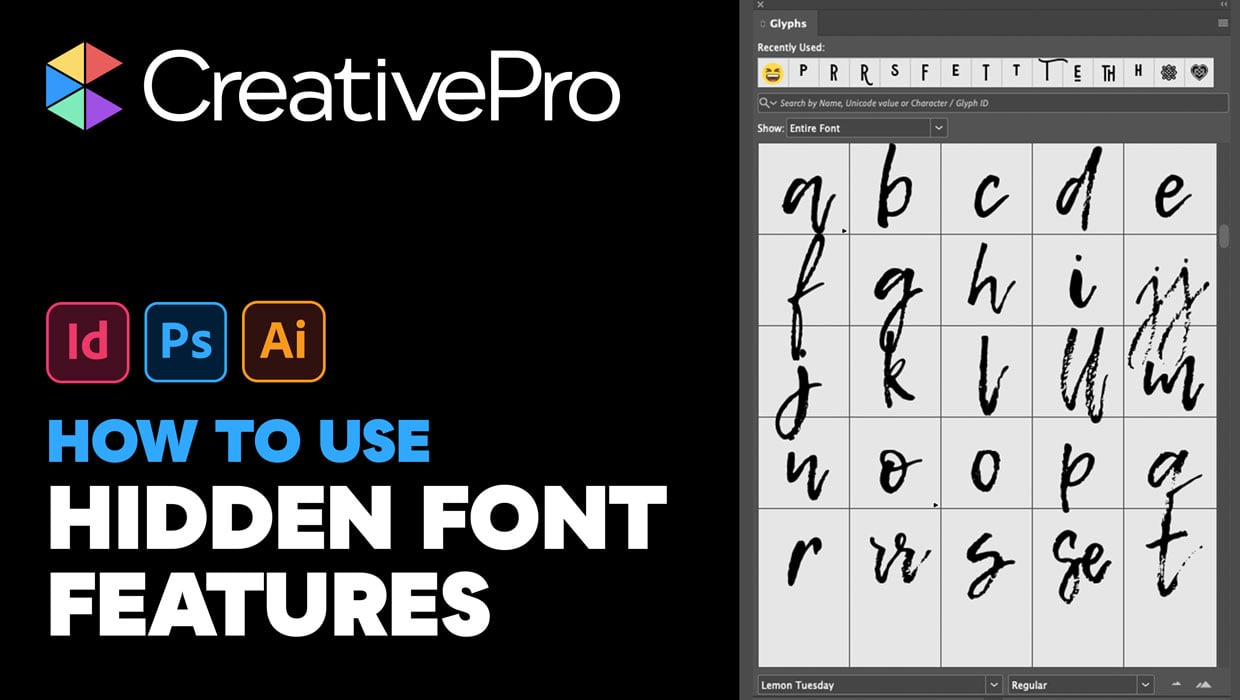
Livestream Video: Hidden Font Features You Didn’t Know Existed
Join Khara Plicanic to learn some great tips and tricks for working with layers...
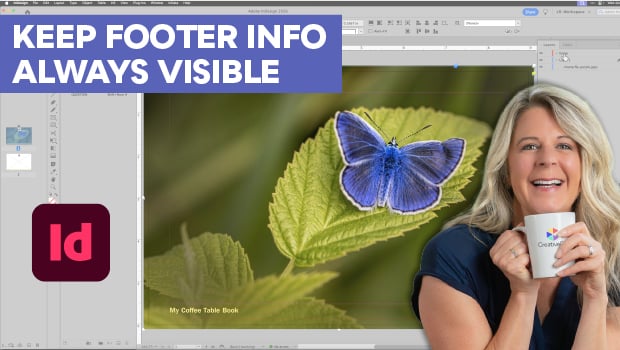
Keep Footer Info Always Visible in InDesign
Keep your full-page photographs from blocking headers and footers in InDesign wi...

Livestream Video: How to Design a Photo Book in InDesign
Watch Khara Plicanic demonstrate how to design a beautiful a photo book in InDes...