


Data Merge SuperGuide
Master InDesign’s Data Merge features with this collection of articles covering everything from first steps to advanced methods.
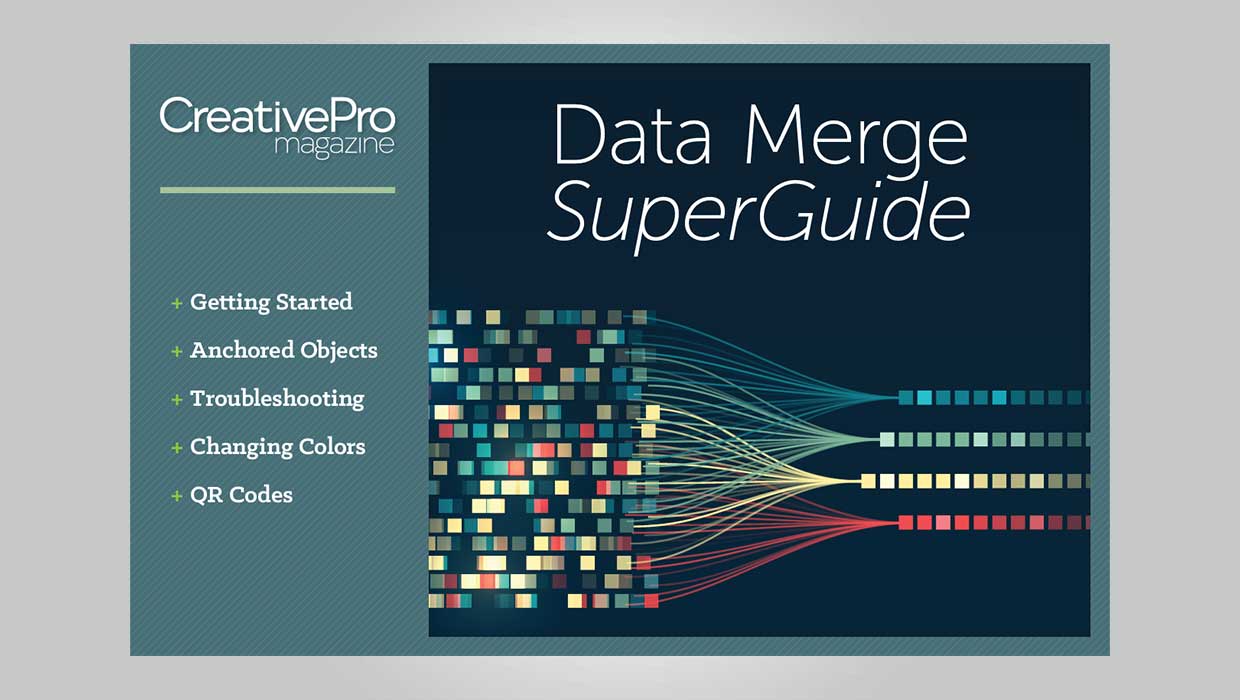

Data Merge is one of InDesign’s most powerful features. It allows you to take any number of records from a database, extract just the information you want, and flow it all into a layout template for output automatically. It’s magical. You can accomplish things in seconds that would take days to do manually. But getting everything set up correctly requires planning and precision. And when things go wrong, it can be difficult to figure out how to fix them.
That’s why we put together a CreativePro SuperGuide to help you master “the Merge.” It contains ten articles covering everything from basic first steps to advanced methods for controlling color, using QR codes, interpreting error messages, and more. There’s even a template you can use to practice and get comfortable with the process.
Commenting is easier and faster when you're logged in!

Recommended for you

InDesign’s Font Manager
Almost everyone who has used InDesign has encountered the dialog box shown below...
25 New Free Fonts
Is your creativity wilting in the summer heat? Then check out these cool free fo...
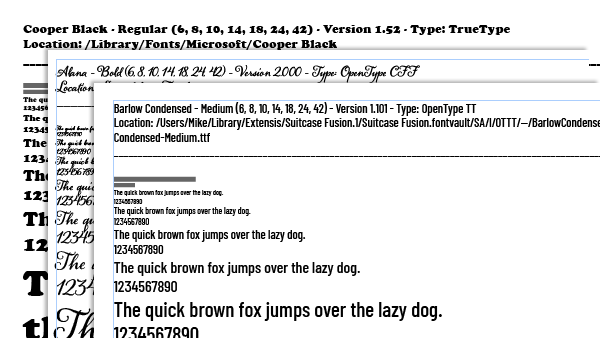
Making a Font Catalog
Back in the day, I was once tasked with creating a font catalog for the publishe...