




In this InDesign how-to video, Bart Van de Wiele shows us an easy way to create colors using the smarter sliders in the Swatches panel. After creating a new color swatch, he demonstrates a better way to swap out colors—one that doesn’t involve having to delete a color in the process.
This video is an excerpt from Bart’s “New InDesign Features You Should Be Using Now” session at CreativePro Week.
This article was last modified on August 29, 2025
This article was first published on January 19, 2023
Commenting is easier and faster when you're logged in!

Recommended for you
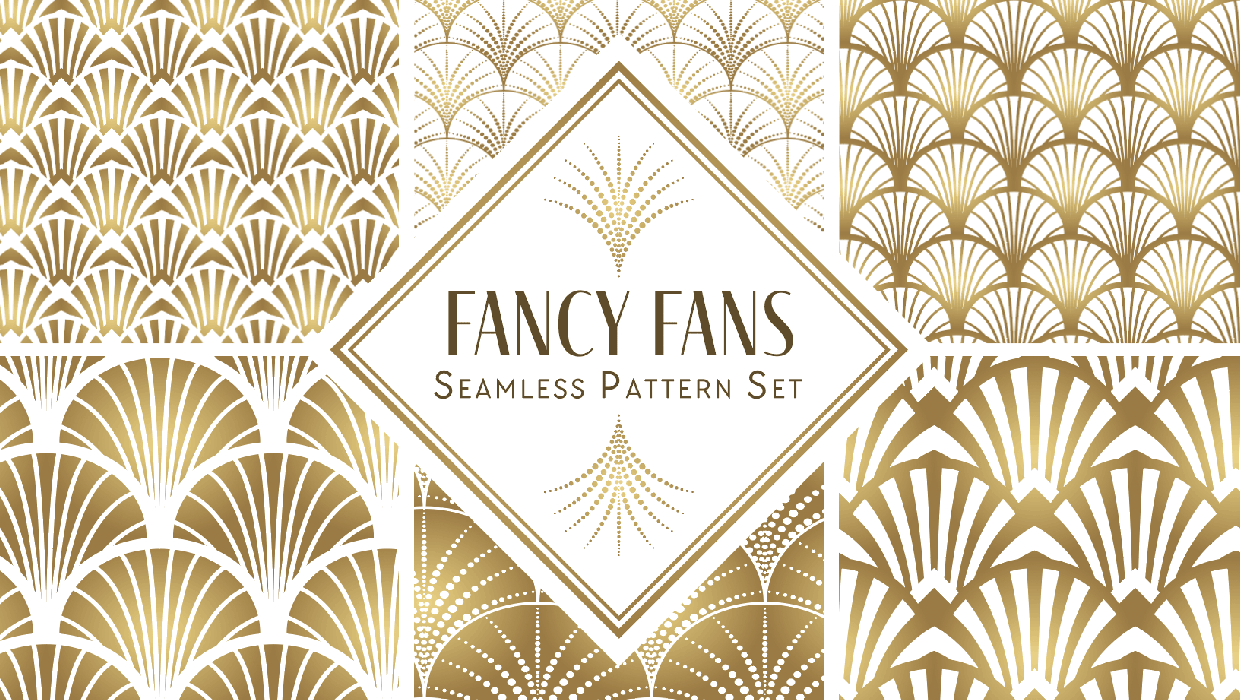
Illustrator Downloadable: Fancy Fans Art Deco Patterns
12 gorgeous vector patterns to add a sleek and swanky style to your designs

Using RGB Images in InDesign, from Photoshop to Final PDF
A step by step guide to entering the twenty-first century by using a RGB workflo...

InDesign How-to Video: Reset a Tint to 100%
In this week’s InDesignSecrets video, Mike Rankin explains how to reset an InDes...