


Photoshop Template: Rubber Stamp
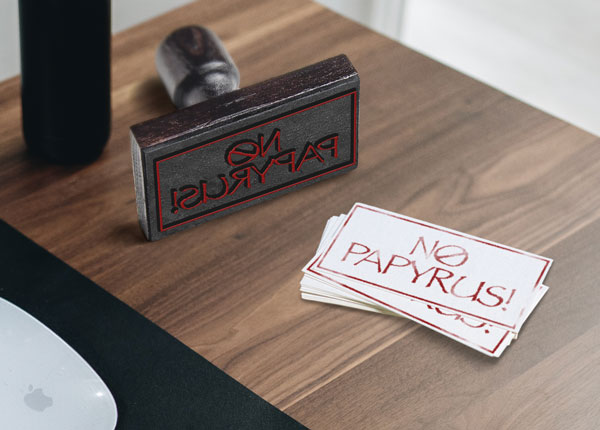
Use this customizable Photoshop template to put your own message on a rubber stamp.

This Photoshop template can be used to put your message on a rubber stamp.

To use the template, double-click on the Smart Object thumbnail to open the embedded content in a separate window.
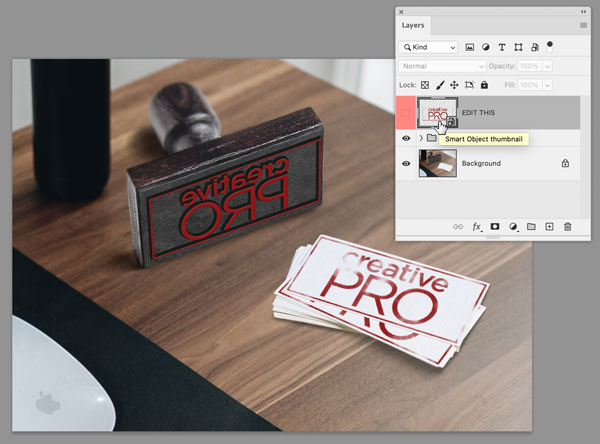
Replace the CreativePro logo with your own content.
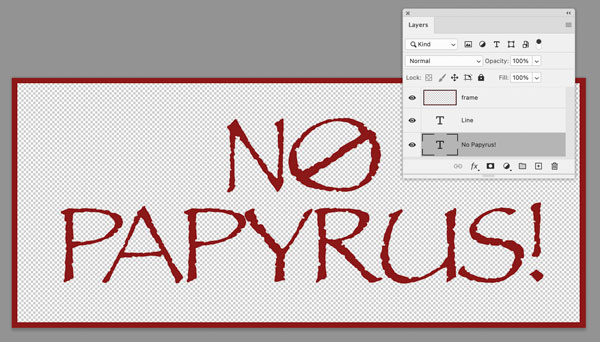
Save and close that file, and when you return to the template, the text will be updated.
Commenting is easier and faster when you're logged in!

Recommended for you

Illustrator Downloadable: Halloween Patterns & Graphics
A set of spooky and sweet design assets that won't rot your teeth

Photoshop Template: Gold Text FX
Use your own content to make text look like it's made of solid gold.
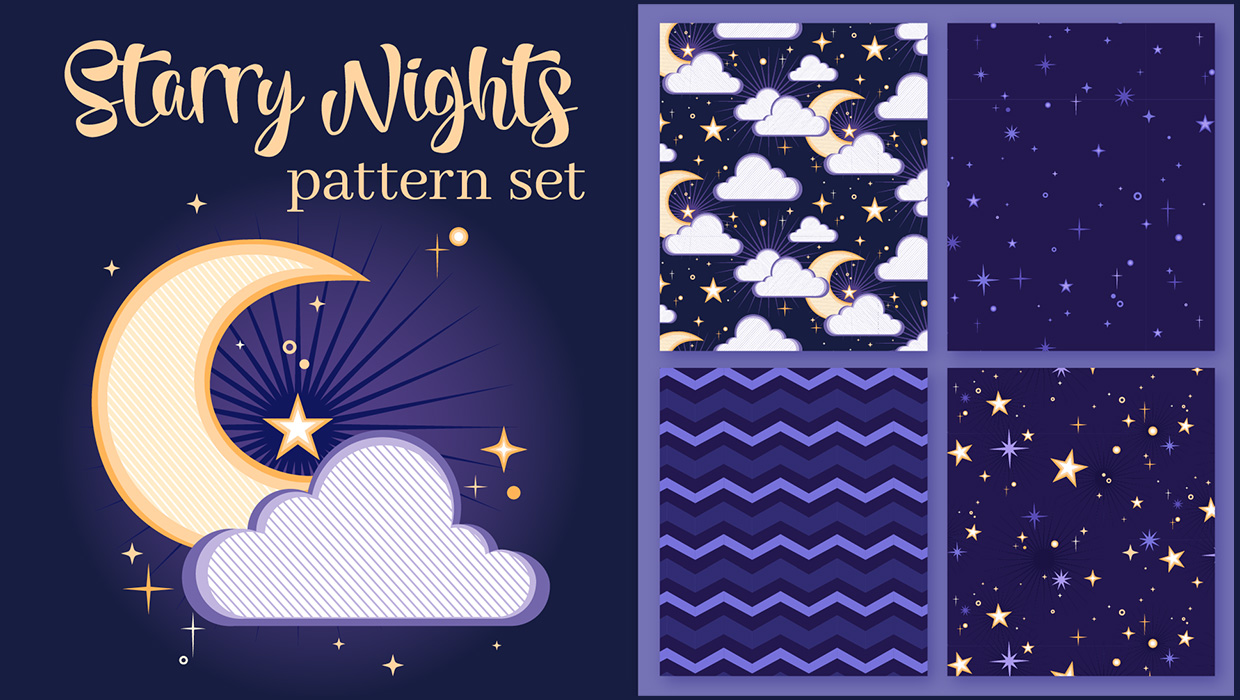
Illustrator Downloadable: Starry Night Patterns
Use these vector patterns, swatches, and symbols to add a dreamlike whimsy to yo...