




In this “Three Minutes Max” InDesign video, Khara Plicanic shows off a super quick way to use color overlay effects. She uses blend modes and opacity settings to add color and other effects to placed images as well as to text in her document.
Check out new tutorials every other Tuesday on our InDesign Secrets YouTube channel, then join the discussion on our Facebook group!
This article was last modified on August 29, 2025
This article was first published on August 30, 2021
Commenting is easier and faster when you're logged in!

Recommended for you
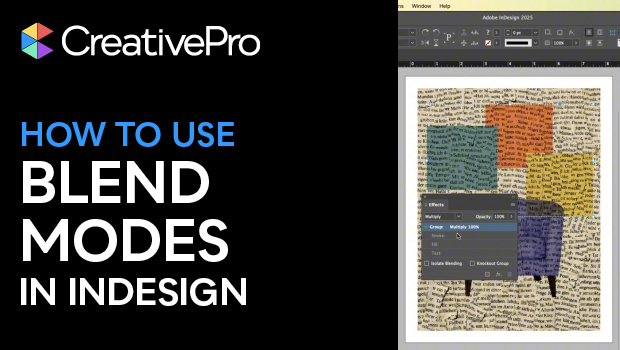
Spice Up Your InDesign Layouts with Blend Modes
Khara Plicanic shows how you can use blend modes to add extra pizzazz to your In...
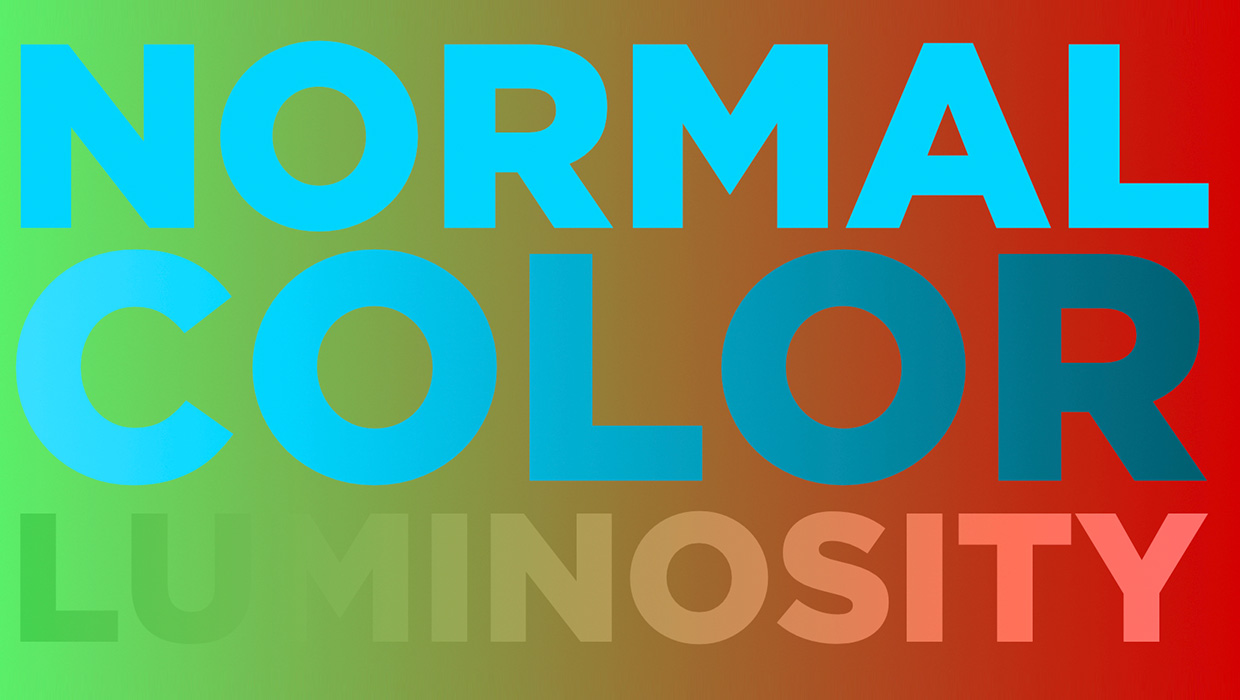
Using Blend Modes in Affinity Designer
Learn how to alter the appearance of a layer in Affinity Designer, using what's...

Creating Number Circles
Try one of these techniques to add some pop to your next numbered list.