



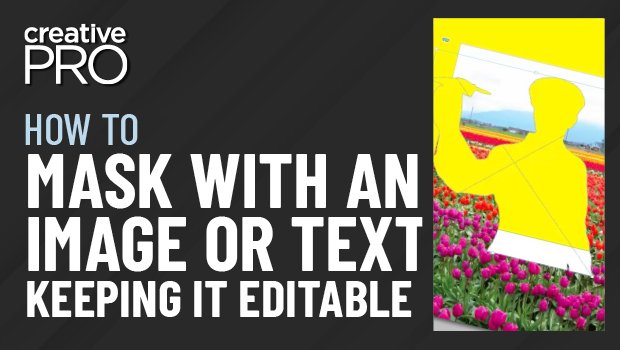
In this InDesign how-to video, David Blatner shows how easy it is to create a mask—or a knockout—using text or an image. The image mask’s points can then be edited and any text used as a mask remains editable.
This is an excerpt from Anne-Marie Concepción and David’s “The Best of InDesign Secrets” session at CreativePro Week 2020.
Subscribe to the CreativePro YouTube channel for more helpful design tips!
This article was last modified on August 29, 2025
This article was first published on June 1, 2021
Commenting is easier and faster when you're logged in!

Recommended for you

Tip of the Week: Changing Object Shapes
How to quickly and easily change object shapes between circles, rectangles, poly...

dot-font: Hermann Zapf at 87
dot-font was a collection of short articles written by editor and typographer Jo...

SmileOnMyMac Releases AutoCorrections File for TextExpander
SmileOnMyMac has released a free autocorrection snippet file for use with TextEx...