



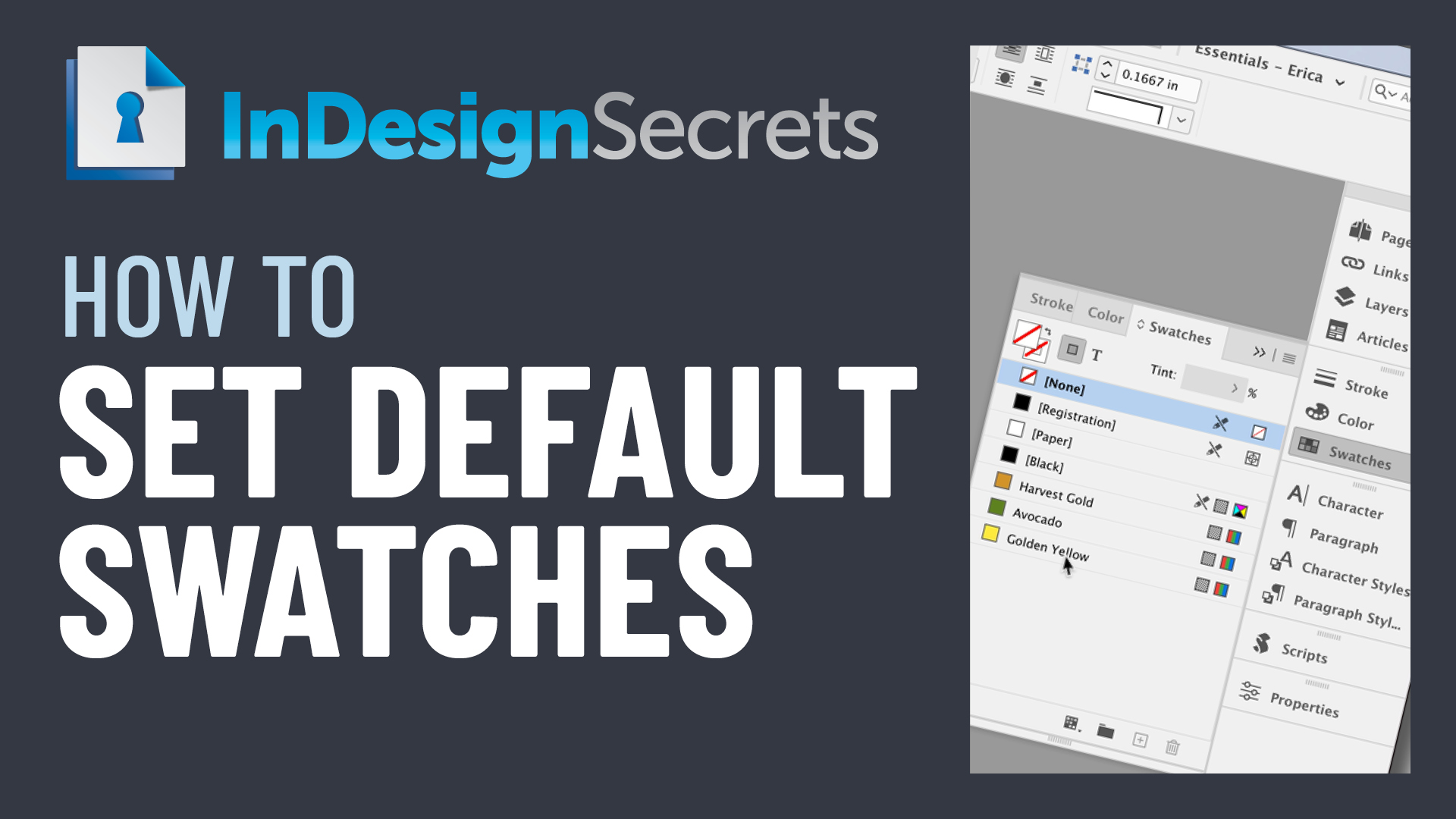
In this InDesign how-to video, Erica Gamet demos how to set default color swatches for all new InDesign documents. Whether you create them from scratch or pull colors from an existing document, she shows how have the same swatches available right from the start.
Check out new tutorials every other Tuesday on our InDesign Secrets YouTube channel, then join the discussion on our Facebook group!
This article was last modified on August 29, 2025
This article was first published on March 10, 2021
Commenting is easier and faster when you're logged in!

Recommended for you

InDesign Magazine Issue 127: InDesign at 20
We’re happy to announce that InDesign Magazine Issue #127 (November 2019) is now...
Tracking Down a Mysterious Linked Text File
A great bit of troubleshooting reveals the source of a missing text file in the...