



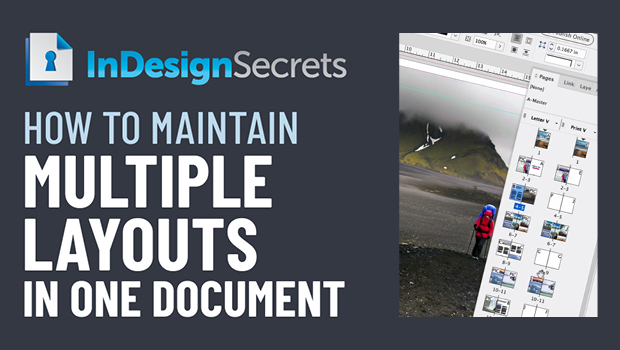
In this InDesign how-to video, Erica Gamet explains how to maintain different layouts all in one document. Taken from the “Three Minutes Max” event at CreativePro Week, she quickly runs down how to style the different layouts, make editorial changes, and export to both print and digital versions.
Check out new tutorials every other Tuesday on our InDesign Secrets YouTube channel, then join the discussion on our Facebook group!
This article was last modified on August 29, 2025
This article was first published on January 11, 2021
Commenting is easier and faster when you're logged in!

Recommended for you

Mastering Master Pages
Reproduced with permission of Planet Quark It really astonishes me how many publ...

Typographic Discipline, Part 1
In the coming weeks I will be writing and illustrating essays that describe how...
On the Move to InDesign: Wrapping Text
Text wrap is the setting that causes text to flow around another object. In InDe...