



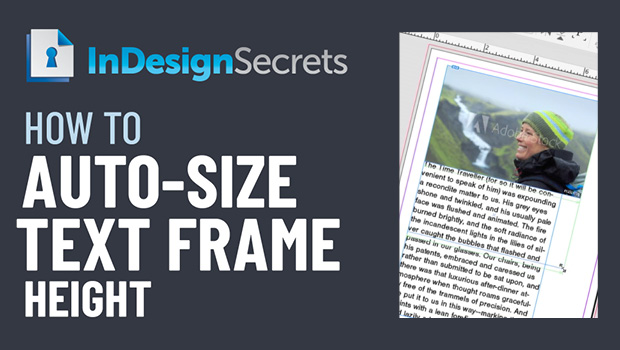
In this InDesign how-to video, Erica Gamet demos how to auto-size a text frame’s height. Setting this feature in Text Frame Options, she shows how this method helps with creating image captions. Taken from her “Become an InDesign Superhero” session at CreativePro Week 2018.
Check out new tutorials every other Tuesday on our InDesign Secrets YouTube channel, then join the discussion on our Facebook group!
This article was last modified on August 29, 2025
This article was first published on November 21, 2020
Commenting is easier and faster when you're logged in!

Recommended for you

Heavy Metal Madness: The Art of Labor Day, or is it Leisure Day?
I enjoy a three-day weekend as much as anybody, but Labor Day has always struck...

Getting Started with Canva
Design like a pro without breaking the bank, and have fun while doing it.

How to Copy Shape Formatting in Photoshop
The easy way to reuse fill and stroke formatting applied to a shape layers in Ph...