



This article was last modified on July 17, 2020
This article was first published on
Commenting is easier and faster when you're logged in!
Loading comments...

Recommended for you
Article
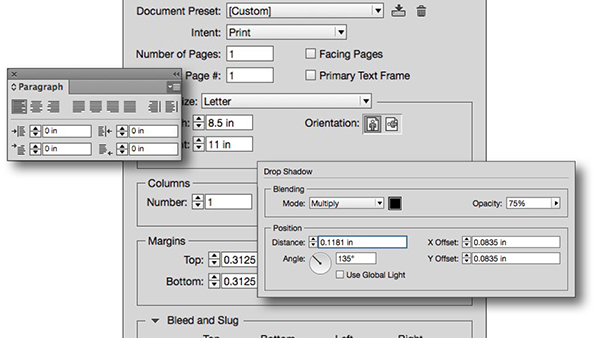
InDesign Tips and Tricks: Working Efficiently with Values
Anyone who uses InDesign for more than two minutes a day knows that there are a...

Article
Adobe Lightroom Mobile Comes to Android. Sort Of.
What was that loud rumbling noise I heard last week? That was the collective "Ye...

Article
Less is more for the Control panel
I learned something yesterday. There is a Control panel menu widget that opens t...