




This article was last modified on November 18, 2019
This article was first published on
Commenting is easier and faster when you're logged in!

Recommended for you

The Transform Panel Mystery Contest Answer and Winners!
It's time to reveal the solution—and the winner—for this month's InDesignSecrets...
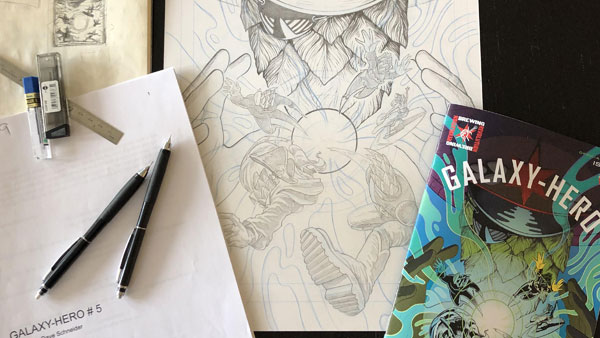
Creating a Comic Book – Part 1
It is a magical time in Chicago right now. The frozen streets are crowded with s...

Don’t Use PICT. Please.
When a reader wrote in about the PICT file format, David needed to vent. Again....