




This article was last modified on November 20, 2019
This article was first published on
Commenting is easier and faster when you're logged in!
Loading comments...

Recommended for you
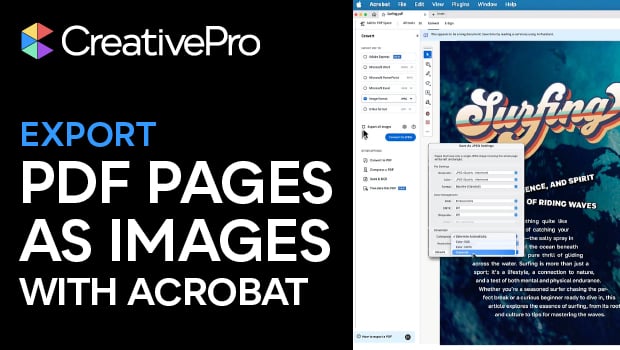
Article
Export PDF Pages as Images with Acrobat
Turn your PDF files into web-worthy images with Chad Chelius.

Article
Out of Gamut: Thoughts on a Sharpening Workflow
Editor's Note: For an updated look at sharpening, see "Creating Sharp Images: Th...

Article
FontExplorer X Client and Server Now Available
Linotype GmbH and its parent company, Monotype Imaging Holdings Inc., have colla...