



You may have heard of Unsplash, a stock photo site where you can find high-quality images that you can use for free, or with an attribution.
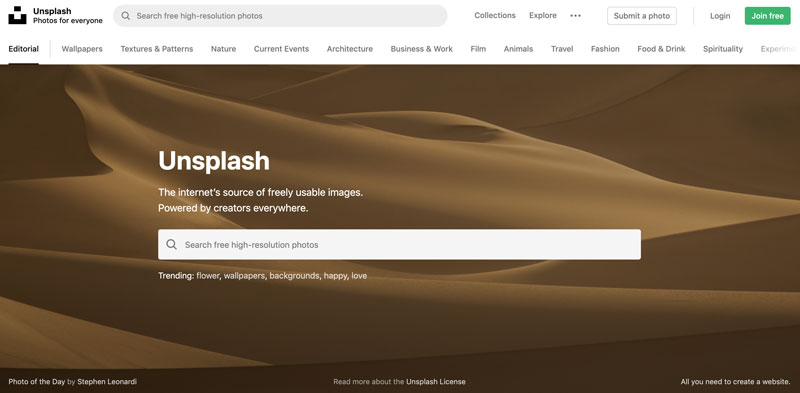
It’s a nice alternative to Adobe Stock, and now it’s even easier to incorporate into your workflow with the help of a new add-on by Stefano Bernardi of Redokun.
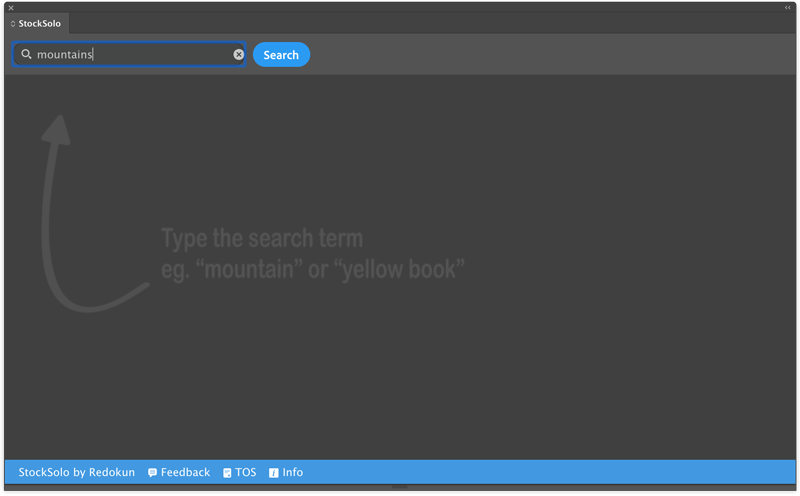
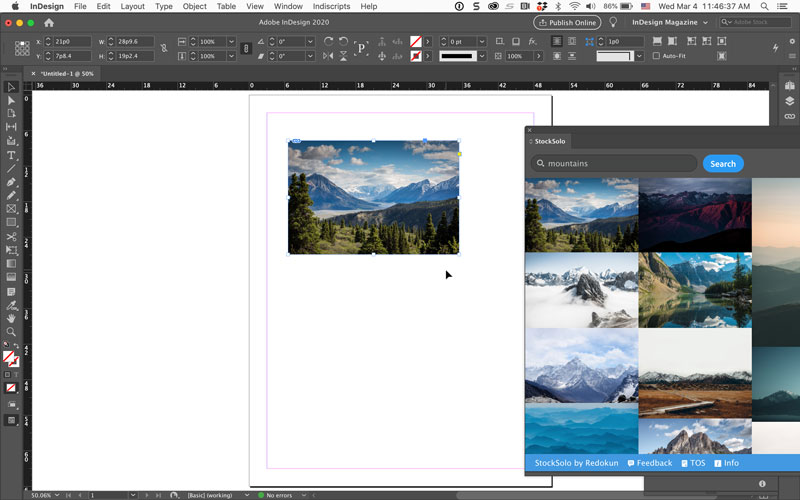
StockSolo adds a panel (found under Window > Extensions) that you can use to search and place images from Unsplash.

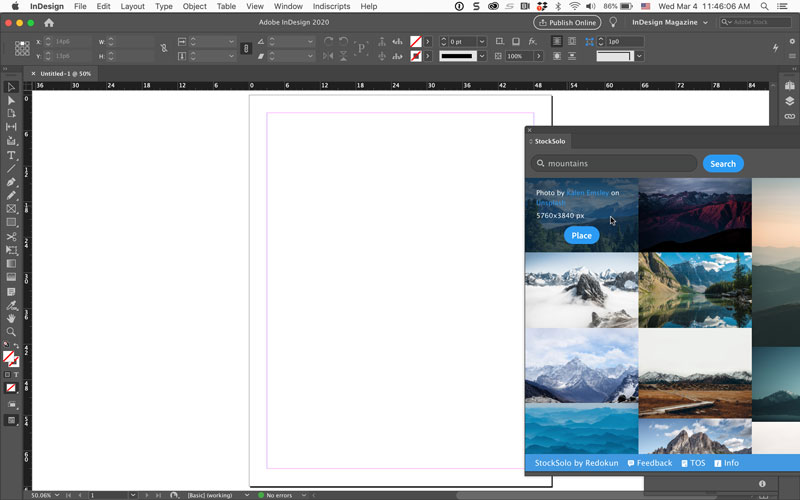
Once you’ve found an interesting image, just move your pointer over it to see the details and a Place button.
Clicking Place brings up a dialog box where you can name the linked copy of the photo and choose a location for it.
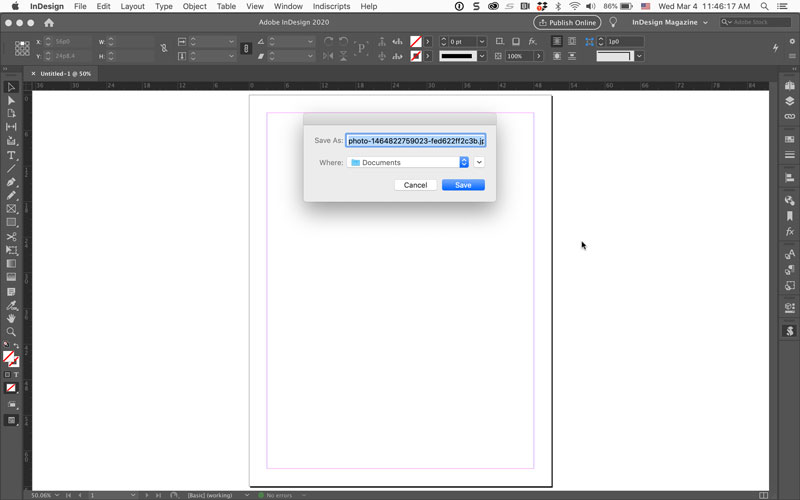
Once the image is saved, you’ll have the normal loaded place cursor for placing the image into your layout.
Stefano is also working on a version of StockSolo for Adobe XD. So stay tuned for that, and in the meantime, you now have a super easy way to find and place images from Unsplash. Thanks, Stefano!
This article was last modified on February 17, 2021
This article was first published on March 9, 2020
Commenting is easier and faster when you're logged in!

Recommended for you

Using Adobe Stock with InDesign
Back in June, Adobe launched a new service for Creative Cloud users, Adobe Stock...
InReview: Zevrix Output Factory 2
A high-end solution for automating the printing and exporting of your InDesign f...
InFocus: April 2017
A bewitching bouquet of InDesign-related goodies, just in time for spring.