


InDesign Template Essentials: Interactive Buttons and Forms
Contains buttons for navigation, for controlling audio and video, for showing an hiding objects, and for building forms in PDF. There are also a bunch of alternative hyperlink styles for both...
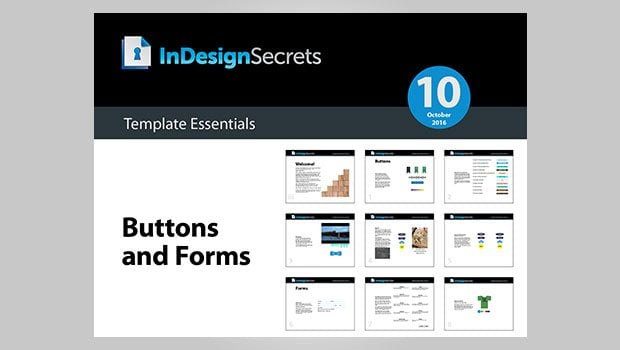
This template features a bunch of goodies for working with interactive documents.
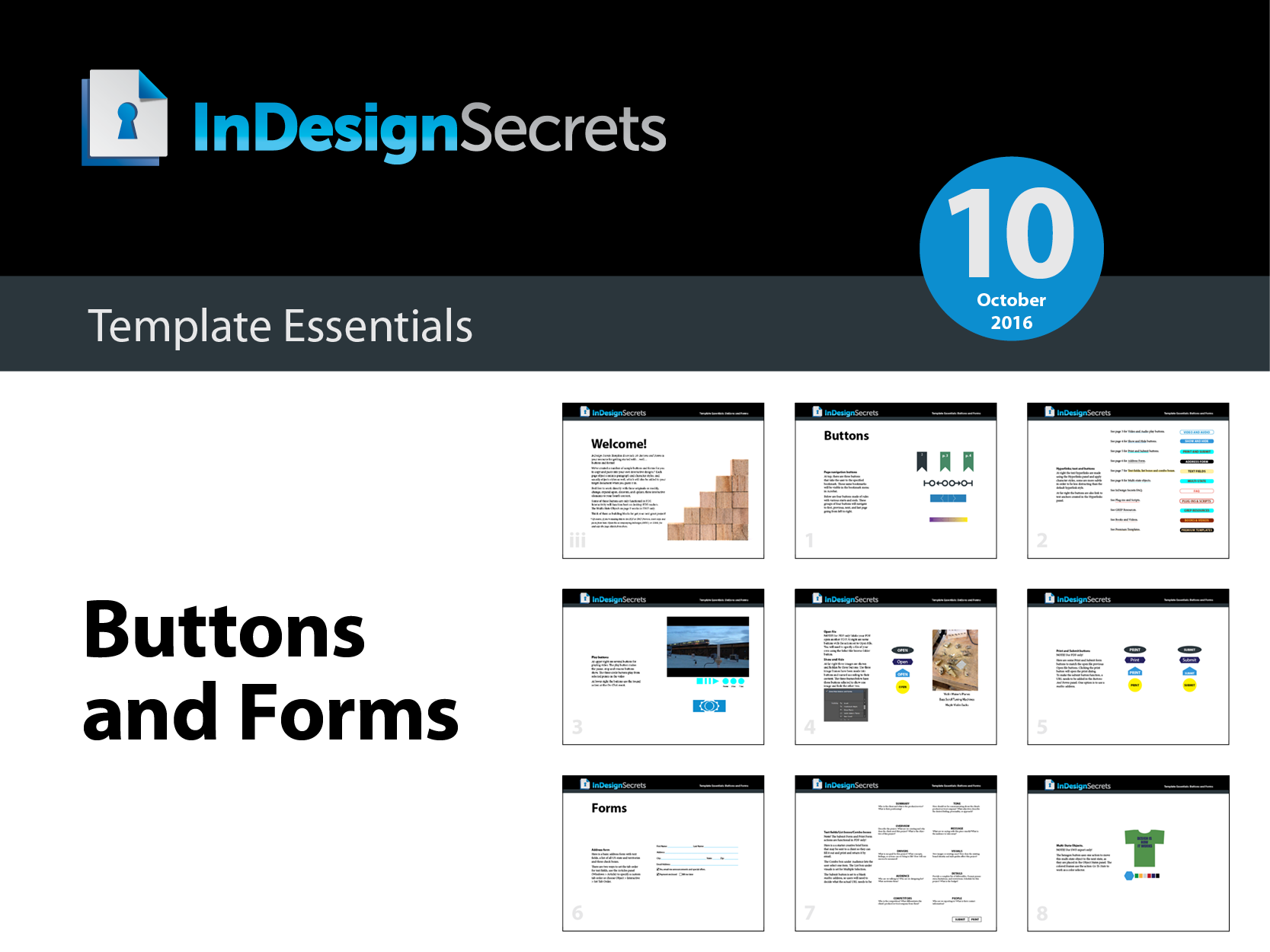
The template document contains buttons for navigation, for controlling audio and video, for showing an hiding objects, and for building forms in PDF. There are also a bunch of alternative hyperlink styles for both text links and buttons, and an example of a multi-state object that will work in FXL EPUB and Publish Online documents.
Also, remember that rich media in interactive PDFs depends on the presence of Flash, so don’t expect it to work in interactive PDF on mobile devices (or desktop machines where Flash is not present).
Commenting is easier and faster when you're logged in!

Recommended for you

Slim Down Your PDFs
Courtesy of: Some projects are quite involved, and the finished document reflect...

Straighten Me Out
Here are a few quick tips for spotting and fixing lines and frames that have gon...
Identifying Fonts
New artificial intelligence software (and some good old-fashioned human knowledg...