




This article was last modified on April 22, 2020
This article was first published on
Commenting is easier and faster when you're logged in!
Loading comments...

Recommended for you

Article
InDesignSecrets YouTube Channel Launched!
InDesignSecrets has launched our very own YouTube channel, with an expanding set...

Article
IHOF New Release: Peanut Sans Pro
P22 and the International House of Fonts announce the expansion of the award-win...
Article
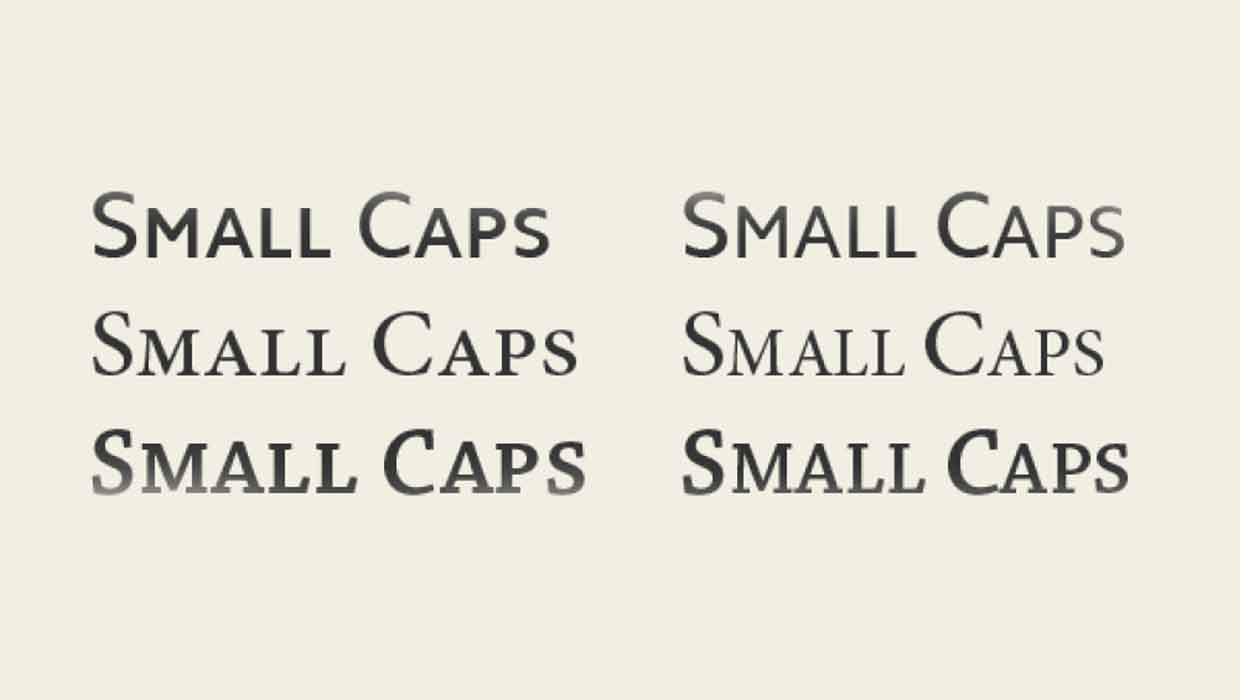
InType: Know Your Small Caps
Add sophistication and polish to your type by understanding the different kinds...