




Excerpted from Photoshop for Designers: Color on lynda.com.
In this Photoshop tutorial, you’ll transform a simple circle filled with RGB into a complete color wheel that includes tints and shades of all twelve colors.
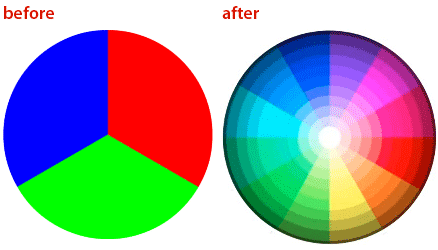
Begin this how-to by clicking the image below to download a Photoshop file that contains the simple shape:
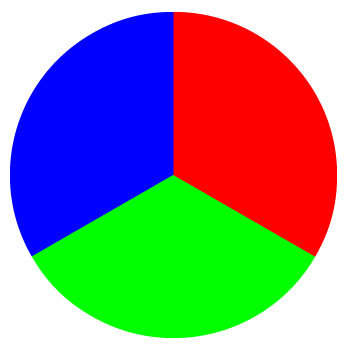
Once you’ve opened the file (called “20120213_pie.psd”) in Photoshop, watch the video below. You can follow along as I duplicate and rotate the image. I’ll then use the Lighten blend mode the image to give the wheel 12 colors. Finally, I’ll apply a radial gradient overlay to change saturation and brightness. The end result will be a color wheel with tints and shades of the colors.
For more in the Photoshop for Designers series, visit Nigel French’s author page on lynda.com.
This article was last modified on January 6, 2023
This article was first published on February 13, 2012
Commenting is easier and faster when you're logged in!

Recommended for you

How to Create and Manipulate Drop Shadows in Photoshop
Learn how easy it is to create drop shadows in Photoshop and then make adjustmen...

InDesigner: San Francisco Bay Brand
How consistent design and efficient processes make for a successful product pack...

Tip of the Week: Customizing the Links Panel
How to apply colors via the keyboard by navigating swatches in InDesign.