




This tutorial is courtesy of the Russell Brown Show.
There are times when low light or other factors make it impossible to capture a photo with a deep depth of field, yet a shallow depth of field may not yield the result you’re going for.
In those situations, take several shots of the same subject (with a tripod if possible), varying the area that’s in focus with each shot. Then let Photoshop merge the areas of sharpest focus from those stacked images into one seamless composite that looks as if it were captured with a deep depth of field.
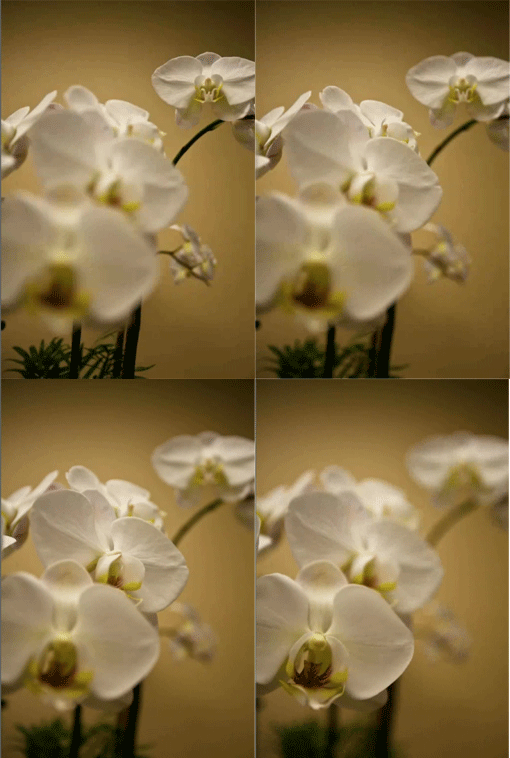
The trick is to use Auto-Blend Layers feature, as shown in this brief video.

This article was last modified on June 30, 2023
This article was first published on February 17, 2011
Commenting is easier and faster when you're logged in!

Recommended for you

Bringing Out Shape and Detail in the Darkest of Colors
Light Hogs “Is there detail in the blacks?” If you ever asked this question when...

CreativePro Video: Create a Color Palette From a Photo
In this week’s CreativePro video, Nigel French demonstrates how to make a color...
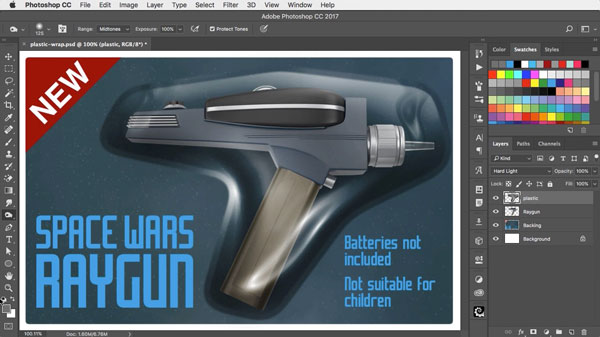
Using Photoshop’s Plastic Wrap Filter
Photoshop’s Plastic Wrap filter is great at creating liquid effects of all...