




Users of OverSite, the full-featured web wireframing and interaction design application, can now download the long-awaited version 3.0. While OverSite introduces new features and functionality, this version heavily emphasizes improved usability. “We wanted to focus on letting our users get the job done even more quickly than before,” said Dave Taubler, the application’s lead developer. “Everything – from new tools, to text components that can be edited in place, to style attributes that can be controlled without ever leaving the main wireframe canvas – has been done with an eye towards productivity.”
The release adds new tools to the application, including zooming and panning, component duplication, and hyperlinking. It also adds a number of new components, including sliders, scrollpanels, spreadsheets, and an HTML component that allows users to freely enter arbitrary HTML, which is rendered within the wireframe.
Designers who use OverSite’s sitemapping tools will appreciate the new line-breaking feature, making it much easier to fit large sitemaps on a single page. Other new tools allow colorizing individual pages, as well as entire sections, within the sitemap.
The release also makes life easier once the wireframes are completed. The new fullscreen Click-thru mode lets designers demo the wireframes in a professional manner. Resource inventory lists can also be generated in a variety of formats. And annotations can now be attached directly to HTML wireframe exports.
Pricing and Availability:
The registration cost for new users is $65 (USD). Existing users can upgrade for $30. OverSite is compatible with PowerPC and Intel-based Macs running Mac OS X 10.3 or later.
This article was last modified on December 14, 2022
This article was first published on August 14, 2009
Commenting is easier and faster when you're logged in!

Recommended for you
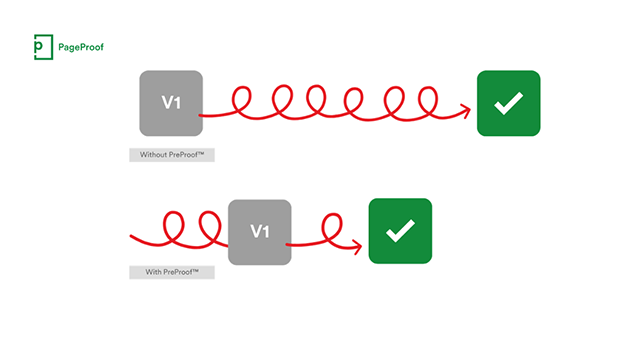
PageProof unveils PreProof™, giving creative teams better first proofs and fewer review rounds
PageProof’s new PreProof™ capability helps designers catch spelling, brand, and...
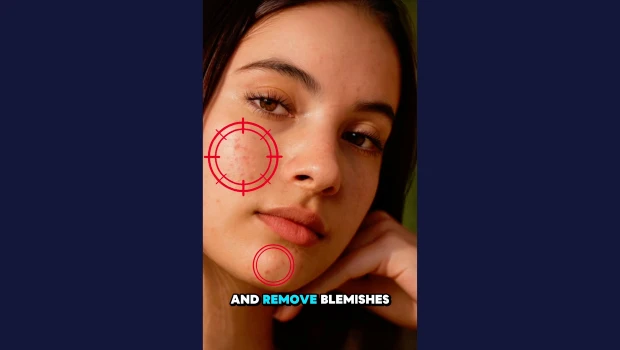
Remove Blemishes in Photoshop With a Click
Khara Plicanic shows us how to remove blemishes from skin in Photoshop with just...

Making Tables Accessible
Learn how to correctly tag complex PDF table headers for screen readers with Dax...