



Animated GIFs, once sneered at as being too 1990s, have staged a comeback in the last few years and been rechristened as “cinemagraphs“. But cinemagraphs aren’t just any animation; they’re a series of still photos that, joined together into a GIF, can look like a very short movie clip. And usually, the smoother the movement, the more effective the cinemagraph, although it can depend on the subject matter.
You can make cinemagraphs yourself using any image-editing app that joins still images. But for a different approach to the art, try Kinotopic, a new $1.99 app for Apple’s iPhone, iPod touch, and iPad.
Once you download Kinotopic, you either record a new iPhone video or choose one from your Camera Roll. Software designer Placehugger recommends that the video be three to four seconds long.
Then you mark the area of the scene with the movement you want to take center stage in your cinemagraph. Finally, just push a button and Kinotopic will process your video and give you the option to share it on Facebook, Twitter, or Tumblr.
Animated GIFs can have a maximum of 256 colors, so the quality is necessarily low. Kinotopic works around this limitation by saving your masterpiece as a .mov file as well as a .gif.
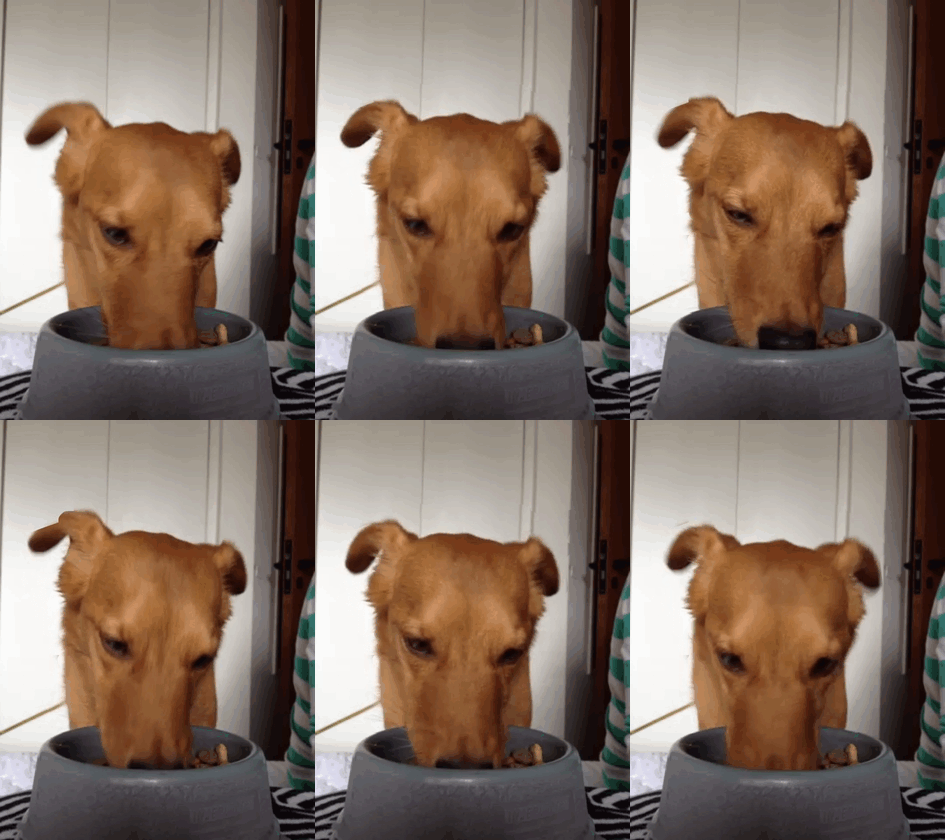
The above cinemagraph, “Luca,” was created using Kinotopic by .Felipe
This article was last modified on December 14, 2022
This article was first published on January 16, 2012
Commenting is easier and faster when you're logged in!

Recommended for you

Photoshop Fun: Dolphin in a Glass
You might think it’s hard enough to swallow a whole dolphin. But the real...

Secrets of the Esc Key
If you’ll pardon the pun, the Esc key might escape the notice of many Adob...

Google Slashes Prices on the Nik Collection
Last fall, Google announced that it had acquired Nik Software, makers of the pop...