




This tutorial is provided by Against the Clock.
QuarkVista is a powerful tool that brings image editing and enhancement effects to the QuarkXPress party. Before, you had to go to Photoshop for tasks like Find Edges, Unsharp Masking, Gaussian Blur, Posterize, and others. Now, you can work in XPress — and easily change your mind in XPress, should you want to undo any of the edits and effects. Even Photoshop can’t reverse all of its effects.
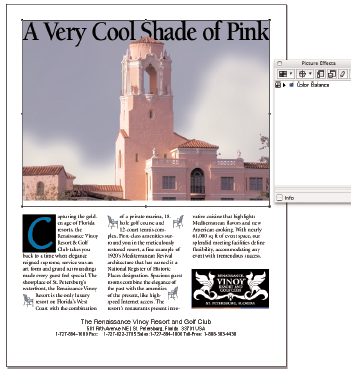
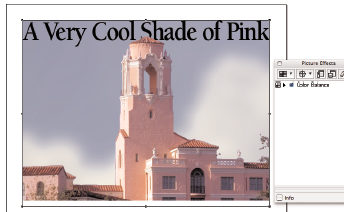
In this tutorial, you’ll complete a partially developed display ad for a St. Petersburg, Florida, historical hotel named The Vinoy. It’s a beautiful old building with a colorful and somewhat checkered past. (It was a favorite haunt and love-nest of notorious gangster Al Capone.) You’ll import a few pictures onto different QuarkXPress layers, then use QuarkVista’s Masks and Picture Effects to create an on-the-fly composite image for the ad.
So you can follow every step, we’ve provided the fonts and files referred to in the tutorial, as well as the tutorial itself. We’ve posted them all as a compressed folder. Just click the link “QuarkVista.zip” to download the folder to your machine, and then double-click it to uncompress all the items within the folder.
To open the PDF, you’ll need a full version of Adobe Acrobat (6 or higher) or the Adobe Reader, which you can download here:
 .
.
To learn how to configure your browser for viewing PDF files, see the Adobe Reader tech support page.
This article was last modified on January 3, 2023
This article was first published on October 14, 2005
Commenting is easier and faster when you're logged in!

Recommended for you
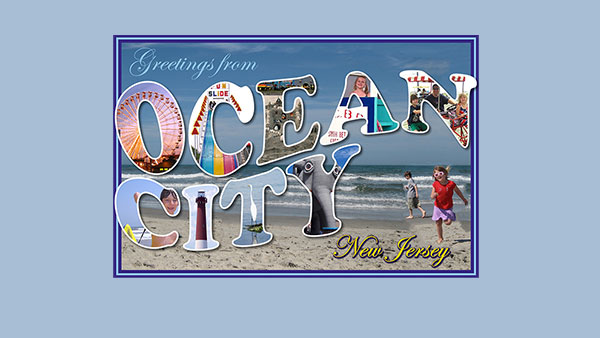
Creating a Postcard in Photoshop
The Project: to make a fun postcard image from a beach vacation in the iconic...
Photoshop Tip: Quickly Resize the Photoshop Canvas with Reveal All and Trim
If you’ve ever designed with type in Photoshop, you’ve probably enco...

How Photoshop Uses Bungee Cords to Define Color
The following excerpt is adapted from Speaking Photoshop CC by David Bate. Repri...