


QuarkXPress How-To: Make Text Jump Through Hoops


This tutorial is provided by Against the Clock.
We’re used to seeing horizontal text. Even vertical text is pretty common. So when you want to make an impact, it might be time for text that curves, dips, and twirls. Used judiciously, text on a path can wake up a design.
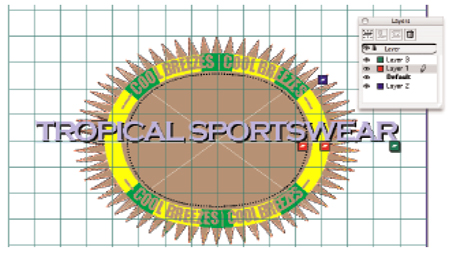
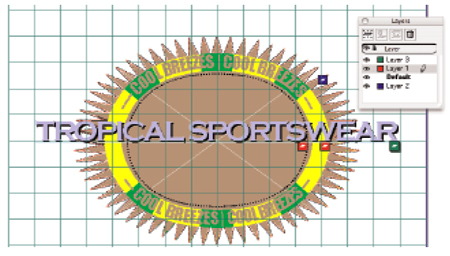
You can create this image without ever leaving QuarkXPress.
This how-to walks you through orienting text on a path, aligning path baselines to a shape, and more.
We’ve posted this excerpt as a PDF file. Just click the link “Text on Path” to open the PDF file in your Web browser. You can also download the PDF to your machine for later viewing.
To open the PDF, you’ll need a full version of Adobe Acrobat (5 or higher) or the Adobe Reader, which you can download here:
 .
.
To learn how to configure your browser for viewing PDF files, see the Adobe Reader tech support page.
This article was last modified on January 10, 2022
This article was first published on June 14, 2005
Commenting is easier and faster when you're logged in!

Recommended for you

This Week in InDesign Articles, Number 12
Nine links about InDesign you ought to check out when you get a chance.

The Riddle of the Hidden Characters: Contest Answer and Winner!
It’s time to reveal the solution—and the winner—for this month’s InD...

XChange International Announces Page Printer Plug-in for Adobe InDesign CS & CS2
XChange International, the source for extended technology worldwide, are pleased...