



If you’re already running ATM Deluxe, you’ll need to uninstall it before you install Suitcase 10 or the latest version of ATM Light. Unfortunately, uninstalling ATM Deluxe isn’t as simple as you might think. Here’s a step-by-step guide to the procedure:
- Throw out the “~ATM” document in your System Folder.
- Next, search your computer to find the ATM Deluxe application.
- After you’ve scoured your machine for the Deluxe application folder, it’s time to hit the Preferences folder inside your System Folder. Inside, you should find an Adobe Type Manager folder. Throw this out.
- Look for a document called “AdobeFnt.lst” and trash it, too.
- Finally, with all of these files removed, you’re ready to install ATM Light.
- Install Suitcase 10.
This article was last modified on December 14, 2022
This article was first published on July 31, 2001
Commenting is easier and faster when you're logged in!

Recommended for you
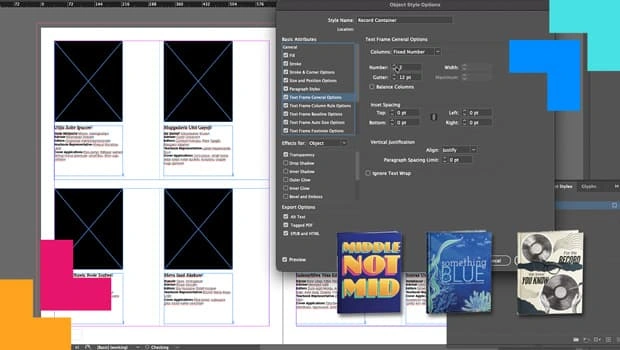
How Data Merge and Scripting Can Save the Day
Learn how InDesign’s capabilities turned a fragile, deadline-driven layout into...
Livestream Video: CC Libraries: A Crash Course
Are you using CC Libraries? Tune in to find out why you should be!

Editor’s Picks for The Design + Accessibility Summit 2026
Our Editor in Chief lists his must-see sessions for The Design + Accessibility S...