



This InDesign tip was sent to Tip of the Week email subscribers on March 21, 2019.

Sign up now and every week you’ll get a new tip, keyboard shortcut, and roundups of new articles, plus exclusive deals sent right to your Inbox!
Just scroll down to the bottom of this page, enter your email address, and click Go! We’ll take care of the rest. Now, on with the tip!
You can get fancier rules between paragraphs if you combine a Rule Above and Rule Below. By adjusting the Offset values of both rules, you can overlap them so they appear to be a single rule. Or you can create new styles like a double dotted rule.

This article was last modified on July 7, 2021
This article was first published on April 2, 2019
Commenting is easier and faster when you're logged in!

Recommended for you
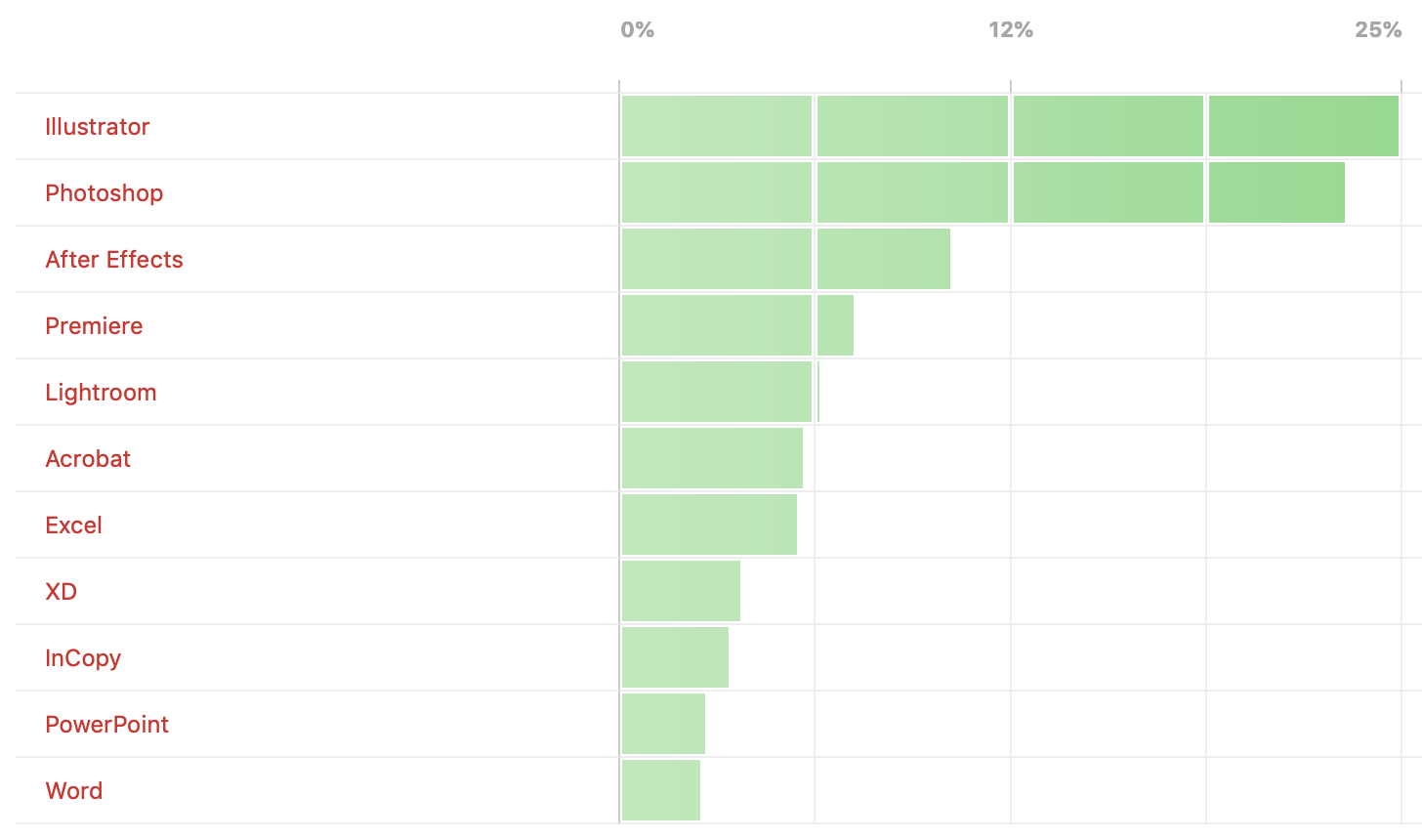
Poll Results: Which programs do you wish you knew better?
The results of our poll asking if you still use Flash (SWF) and a new poll on wh...

InDesign Tip: Creating Guides at Precise Locations
Two quick tips for creating ruler guides at precise locations in InDesign: 1. Do...

Poll Results: When was the last time you exported to SWF?
The results of our poll asking if you still use Flash (SWF) and a new poll on wh...