




In this week’s InDesignSecrets video, Erica Gamet creates the look of highlighted text within InDesign. Saving the effect as a character style makes it super easy to apply throughout a document.
Check out new tutorials every Tuesday on our InDesign Secrets YouTube channel, then join the discussion on our Facebook group!
This article was last modified on August 29, 2025
This article was first published on November 6, 2018
Commenting is easier and faster when you're logged in!

Recommended for you
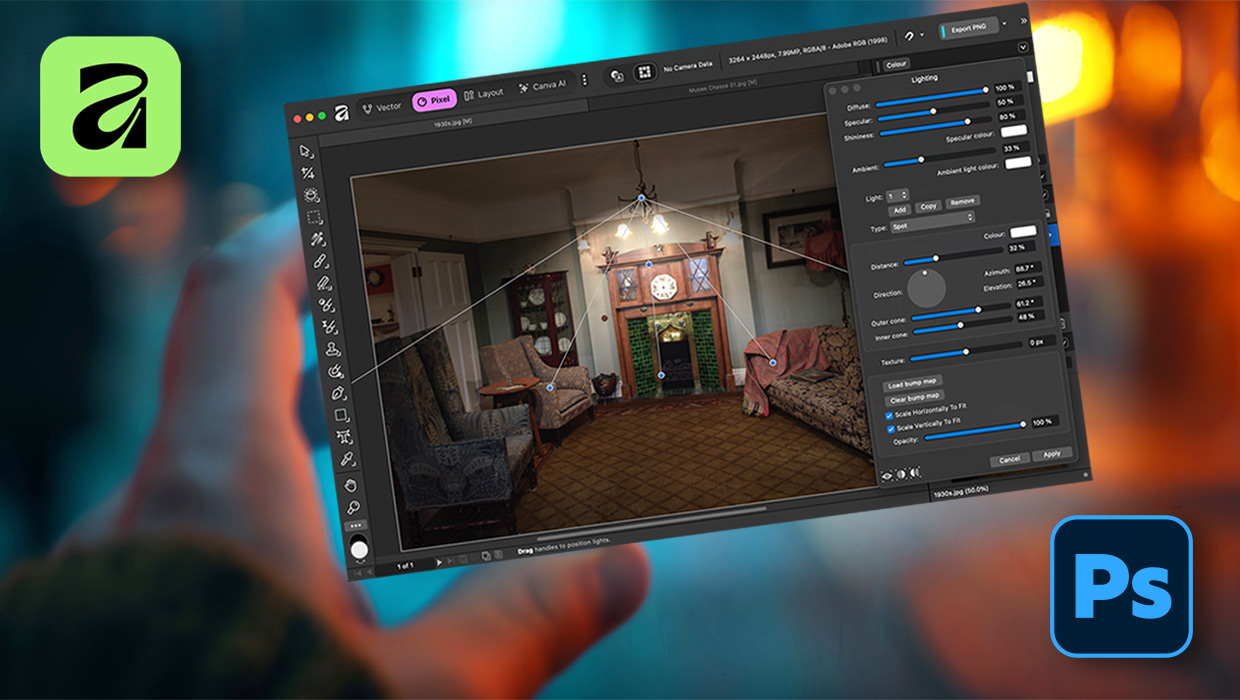
Affinity for Photoshop Users
From real-time previews to added adjustments, Affinity special effect and lighti...
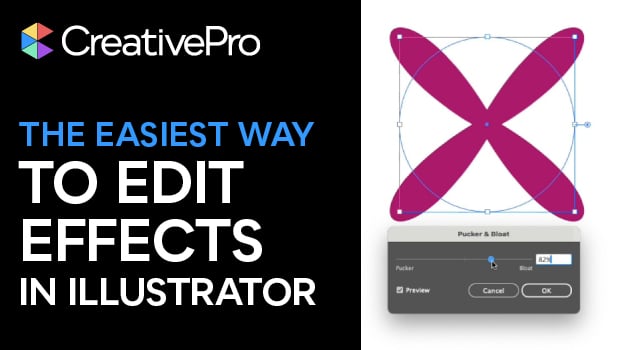
Edit Illustrator Effects in the Appearance Panel
Use Illustrator’s Appearance panel to change, add, and blend effects applied to...

Creating Fluffy Text with AI in Photoshop
How to create a fun text effect that looks like fluffy fur on a grass background...