




This article was last modified on May 22, 2018
This article was first published on
Commenting is easier and faster when you're logged in!
Loading comments...

Recommended for you

Article
Building Presentations in InDesign
Mark Heaps shows how to craft presentations in InDesign that are both beautiful...
Article
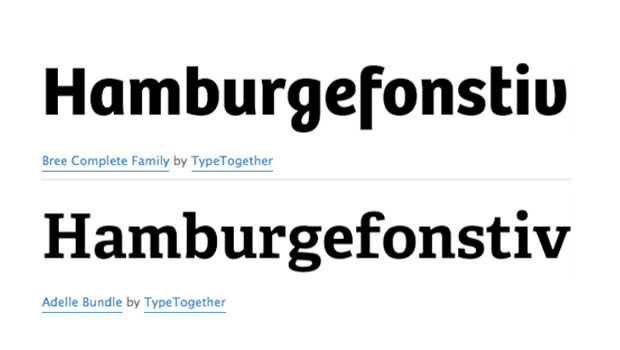
Ascender Foundry Adds TypeTogether Fonts
Press Release Ascender Corp is pleased to announce that the award-winning fonts...

Article
Guide to the InDesign CS5 ACE Exam eBook Available
Press Release The InDesign Secrets Guide to the InDesign CS5 ACE Exam eBook (PDF...