


Easier Text Formatting with the Character and Paragraph Panels
Two situations where InDesign's Character and Paragraph panels give you text formatting options that the Control panel does not.


Because InDesign’s Control panel (the bar across the top of the screen) displays most of the necessary type attributes when text is selected, most people don’t keep the Character panel (Window > Type and Tables > Character) or Paragraph panel (Window > Type and Tables > Paragraph) open on their screen. However, there are two situations where these panels are timesavers.
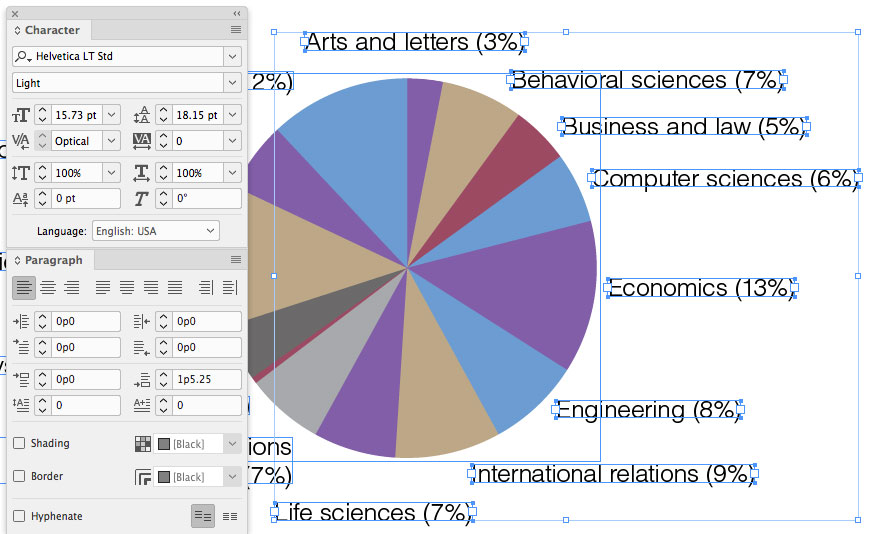
When text frames are selected
When multiple table cells are selected
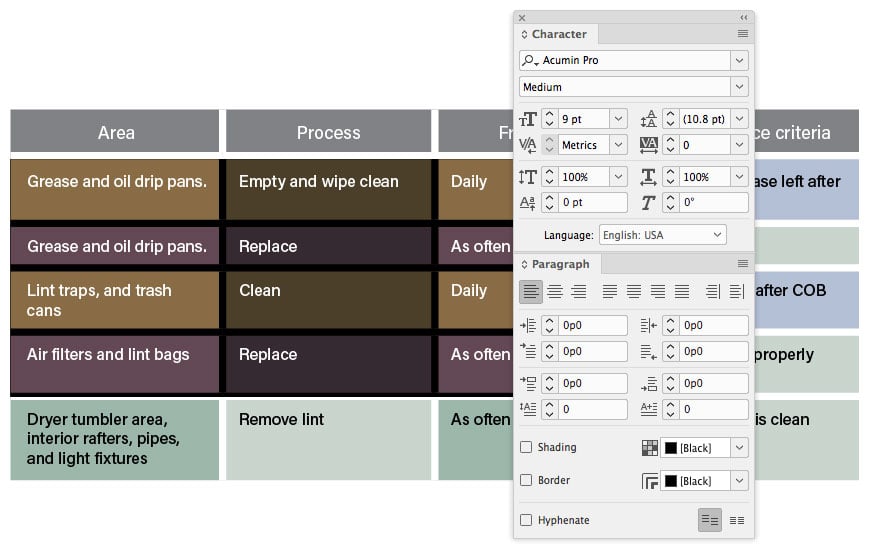
When multiple table cells are selected, most of the type specifications don’t display in the Control panel, but they can still be changed in the Character and Paragraph panels.
Of course it would be even better to assign paragraph styles to the text to make these changes quick and easy. But if you don’t want to be bothered with styles, I think you’ll find this useful!
This article was last modified on July 20, 2021
This article was first published on February 26, 2018
Commenting is easier and faster when you're logged in!

Recommended for you
Tip of the Week: Instant Pull Quotes
This tip was sent to Tip of the Week email subscribers on May 28, 2015. Sign up...
Turning Off Recent Fonts in InDesign
InDesign’s Recent Fonts feature has been around since CS6, allowing you to quick...
Tip of the Week: Spring-Loaded Shortcuts
This little trick lets you switch tools in InDesign without missing a beat.