



Video tutorial provided by Creative Edge. For more free Photoshop how-tos from Creative Edge, go to our Reading List. For information on becoming a Creative Edge member, go to its website.

The “Photoshop CS4 for Designers” video course goes beyond using Photoshop as a photography tool and teaches you how to create eye-catching design effects with photos and even from scratch. The 18 lessons comprise almost three hours of how-tos. Topics include creating effects using halftones, backgrounds, brushes, photos, light, text, shapes, and more.
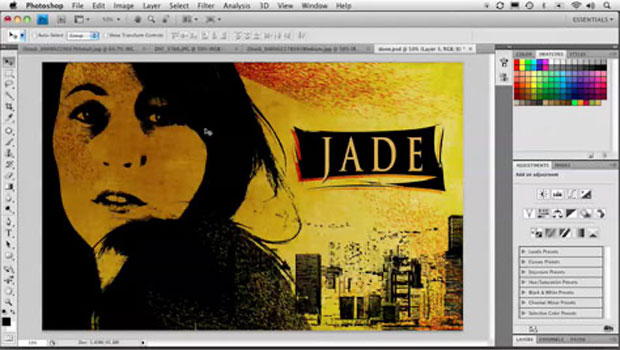
In this excerpt, which is Lesson 05: Graphic Effects, you’ll begin with three ordinary stock photos and end with a rich, multi-layered image.
Click the image below to go to the video hosted by Creative Edge:

Excerpted from Photoshop CS4 for Designers by Corey Barker. Copyright © 2009. Used with permission of Pearson Education, Inc. and Peachpit Press. All rights reserved.
This article was last modified on December 17, 2022
This article was first published on July 13, 2010
Commenting is easier and faster when you're logged in!

Recommended for you

Scanning Around With Gene: Profile of An Early Clip Art Character
The term “clip art” has become a generic description of any art, ill...

Peachpit Announced the Publication of Layers: The Complete Guide to Photoshop’s Most Powerful Feature
Peachpit announced the publication of Layers: The Complete Guide to Photoshop’s...

Heavy Metal Madness: We've Come a Long Way, Maybe
Sometimes when I most doubt the existence of God, I have to remind myself that f...