




Our friend Russell Viers, who runs the very funny and informative site Yabb-Adobe-Doo, has posted a wonderful InDesign tip in comic format. The tip has to do with an “easter egg” — a hidden and undocumented feature inside InDesign — that lets you create “Christmas lights” and apply them to any path as a custom stroke style. Plus, as a bonus, the comic strip features another friend and colleague, Scott Citron! Laugh out loud. Joe Bob says Check it Out.
And, as an extra bonus for reading this post, we’ll give you a hint about some other stroke style easter eggs that will make sense after you read his comic strip: Instead of Lights, try Feet, Woof, and Happy.
This article was last modified on December 18, 2021
This article was first published on December 20, 2006

Recommended for you

dot-font: The Readable Type Designer
dot-font was a collection of short articles written by editor and typographer Jo...

TypeTalk: The Best of 2013
In the world of fonts, January is a month of lists. Whether they’re called Best...
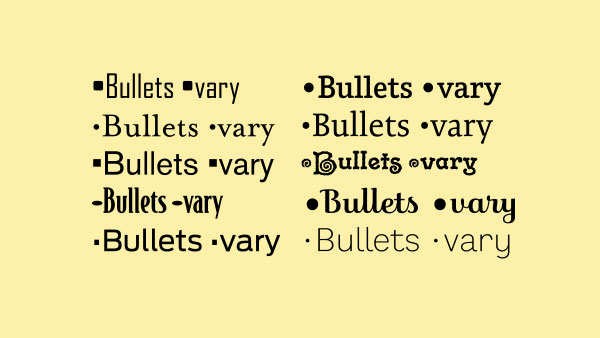
TypeTalk: The Ins and Outs of Bullets
Default bullet points aren't your only option. Follow these tips to customize yo...
Comments are closed.