Have an account? Sign in
"*" indicates required fields
You agree that CreativePro Network may send you emails, including the newsletter selections above. You can unsubscribe at any time.
By signing in, you agree to our Terms of Use and acknowledge our Privacy Notice.

New user? Create an account
By signing in, you agree to our Terms of Use and acknowledge our Privacy Notice.
I have CS6 and the tutorial is written for CS4, so, Adobe in all it's wisdom, changed the buttons pallete.
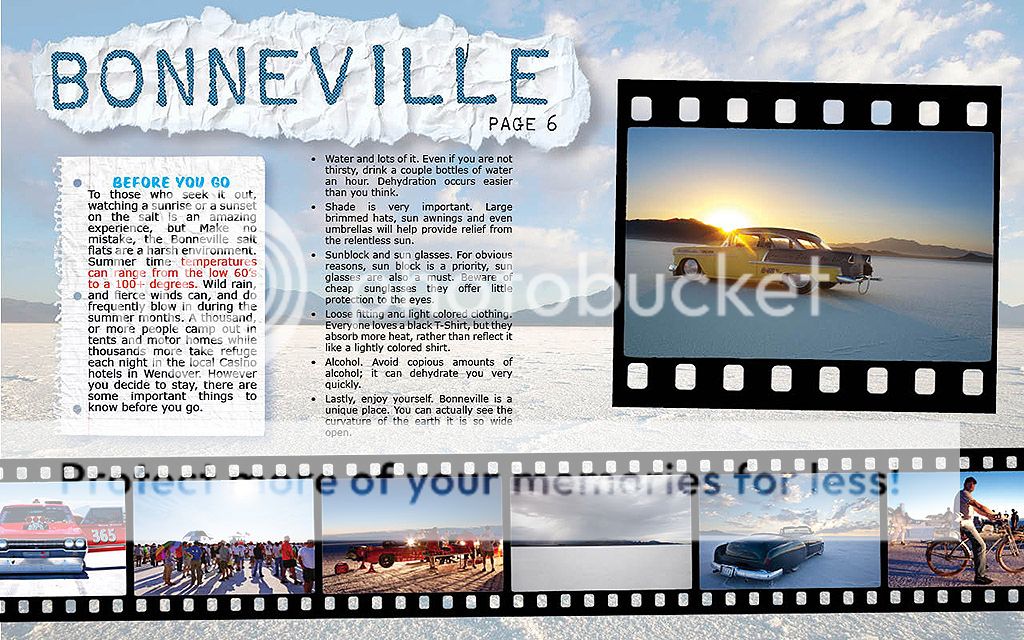
What Im weanting to do in the lay out is, if the user sees a photo thy like in the story line, they can click on it to view the photo/photos full screen.
Would I have to include two copies of each image? one image/thumbnail in the layout linked to the same image only full size. Would I have to include a second set of images “hidden in the PDF” but linked to the thumbnails? (see example)
Again, sorry for the newbie questions.

Thank-you David, for the point in the right direction. A publisher I was working with, fired my editor and killed the book I was working on. So very tired and worn out with printed media now. So, it is time to make a serious attempt at putting out my own material and other photograpgers material.
It might be till spring that I become proficient at Indesign. So, I will look forward to your tutorial when it is done.
Michael Harrington
This site uses cookies, but not the kind you eat. We use cookies to remember log in details, provide secure log in, improve site functionality, and deliver personalized content. By continuing to browse the site, you accept cookies.