



Stop wasting hours on repetitive PowerPoint tasks when you could be flying through them in minutes! In this seminar, you will learn advanced productivity hacks that will supercharge your workflow. Discover how to maximize your efficiency and save time for what truly matters, without compromising on quality. Expect to leave with game-changing skills that will transform your presentations!
Key Takeaways:
- How to drive your Ribbon using your keyboard (turn everything into a keyboard shortcut)
- How to save and apply your favorite chart formatting (without having to recreate it every time)
- Four commands everyone should have on their QAT (including the Million-Dollar Shortcut)
- How to spin and rotate content for quick design iterations
- The closest you can get to editing content in Slide Show Mode
This article was last modified on April 25, 2025
This article was first published on April 4, 2025
Commenting is easier and faster when you're logged in!

Recommended for you

InType: Making Text Fit
When you have too much text to fit a given space and editing is not an option, u...
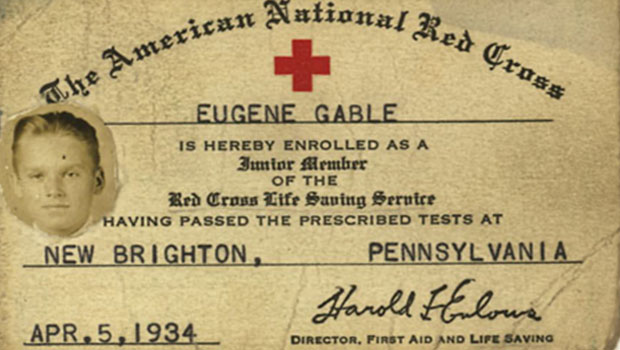
Scanning Around with Gene: Three Cheers for Good Old Dad!
A recent visit to my childhood home, where my 89-year-old mother still rules the...
Tips for Filling Type with Gradients
How to make fun effects by filling type (regular or curved) with gradients.