



You’re expected to produce a steady stream of campaign graphics, social posts, ads, and presentations. Keeping up means finding smarter ways for designers and marketers to work together. In this session, you’ll learn how InDesign and Adobe Express can scale marketing content across teams.
You’ll see how designers can create structured layouts and templates in InDesign that become flexible, reusable assets inside Express. Marketing teams can update messaging, adapt content, and create new variations while designers maintain control of the core design. Explore a collaborative workflow that helps teams move faster, produce more content, and keep designers focused on high-value creative work.
Topics include:
- Building layouts in InDesign that translate into flexible Adobe Express templates
- Creating collaborative workflows that allow marketing teams to update and adapt content
- Managing template structures so teams can safely create variations and new deliverables
- Moving designs between Express and InDesign, bringing Express-created content back into InDesign for advanced layout and production work
This article was last modified on May 15, 2026
This article was first published on April 7, 2026
Commenting is easier and faster when you're logged in!

Recommended for you

Preventing 4-color Blacks in PDFs
An old student of mine named Mark e-mailed me yesterday, worried that the 2-colo...

Designing with Column Rules
Creative techniques for designing with InDesign’s column rules feature.
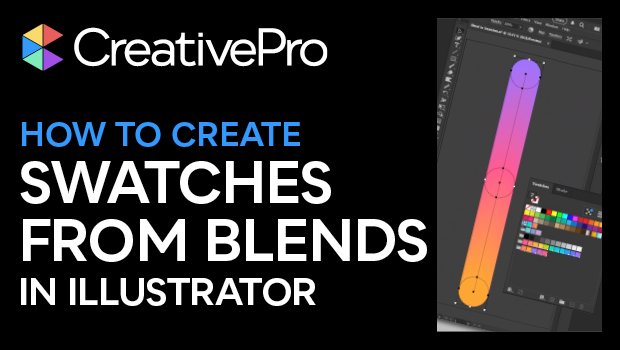
How to Create Swatch Groups from Color Blends in Illustrator
Learn how to create swatch groups from color blends in Illustrator and save them...