



This article was last modified on August 26, 2013
This article was first published on
Commenting is easier and faster when you're logged in!

Recommended for you

SmileOnMyMac Releases PDFpen 2.4.1 with Unicode Support and Reliability Enhancements
SmileOnMyMac has updated PDFpen, the PDF editing and form-filling utility, and P...
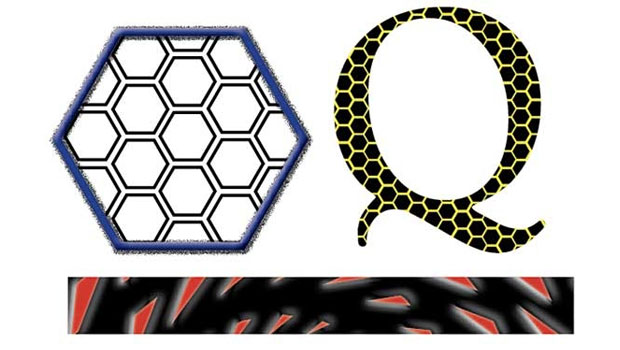
10 Free Vector Hexagon Patterns
Have you noticed the hexagons everywhere these days? They were rampant in the de...

Quark Announces Support for Windows Vista
Quark announced today it will post a free download update online within 30 days...