




This article was last modified on September 3, 2013
This article was first published on
Commenting is easier and faster when you're logged in!
Loading comments...

Recommended for you

Article
Kodak Completes Acquisition of Creo Inc.
Eastman Kodak Company (NYSE: EK) today announced it has completed its acquisitio...
Article
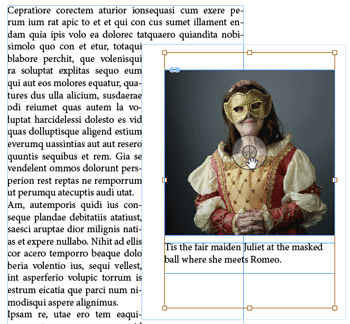
InQuestion: Fixing Problems With Text Wrap Applied to Graphics
Q. I’ve got an image grouped with a caption. The text on the page is jumping to...

Article
The Use of Artificial Intelligence (AI) in Marketing Teams
The Use of Artificial Intelligence (AI) in Marketing Teams