




This article was last modified on February 16, 2014
This article was first published on
Commenting is easier and faster when you're logged in!

Recommended for you

Typography Playing Cards
If you're pondering what to get your favorite type nerd for the holidays, you ha...

Art4Love Inc. to Recruit Top Fine Artists Worldwide to Join Art4LoveImages.com Through Online Marketing Campaign
Art4Love Inc.'s (ALVN.PK), Art4LoveImages.com subsidiary plans to rejuvenate the...
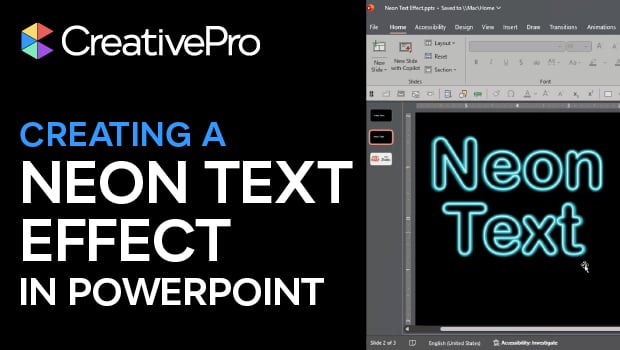
How to Create a Neon Text Effect in PowerPoint
Create a fully-editable glowing neon text effect completely in PowerPoint with S...