



This article was last modified on November 17, 2009
This article was first published on
Commenting is easier and faster when you're logged in!
Loading comments...

Recommended for you

Article
This Month in Articles, May 2016
News, tutorials, tips, and more from around the Web for InDesign users.
Article
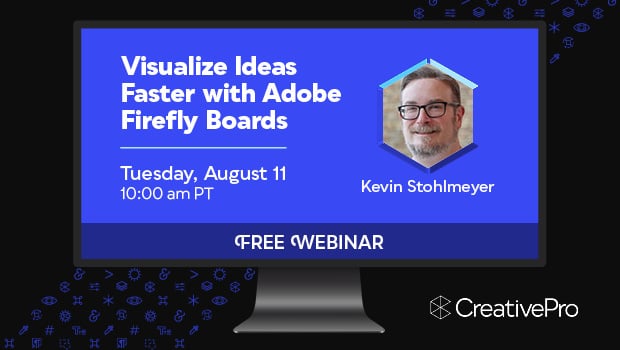
Free Webinar: Visualize Ideas Faster with Adobe Firefly Boards
Learn how Adobe Firefly Boards can help you brainstorm, organize ideas, and expl...
Article
Pixelstick Takes Light Painting to a New Level
Have you ever tried light painting by moving a light source around while you tak...