


Reply To: Page formatting in InDesign


This article was last modified on August 22, 2011
This article was first published on
Commenting is easier and faster when you're logged in!
Loading comments...

Recommended for you
Article
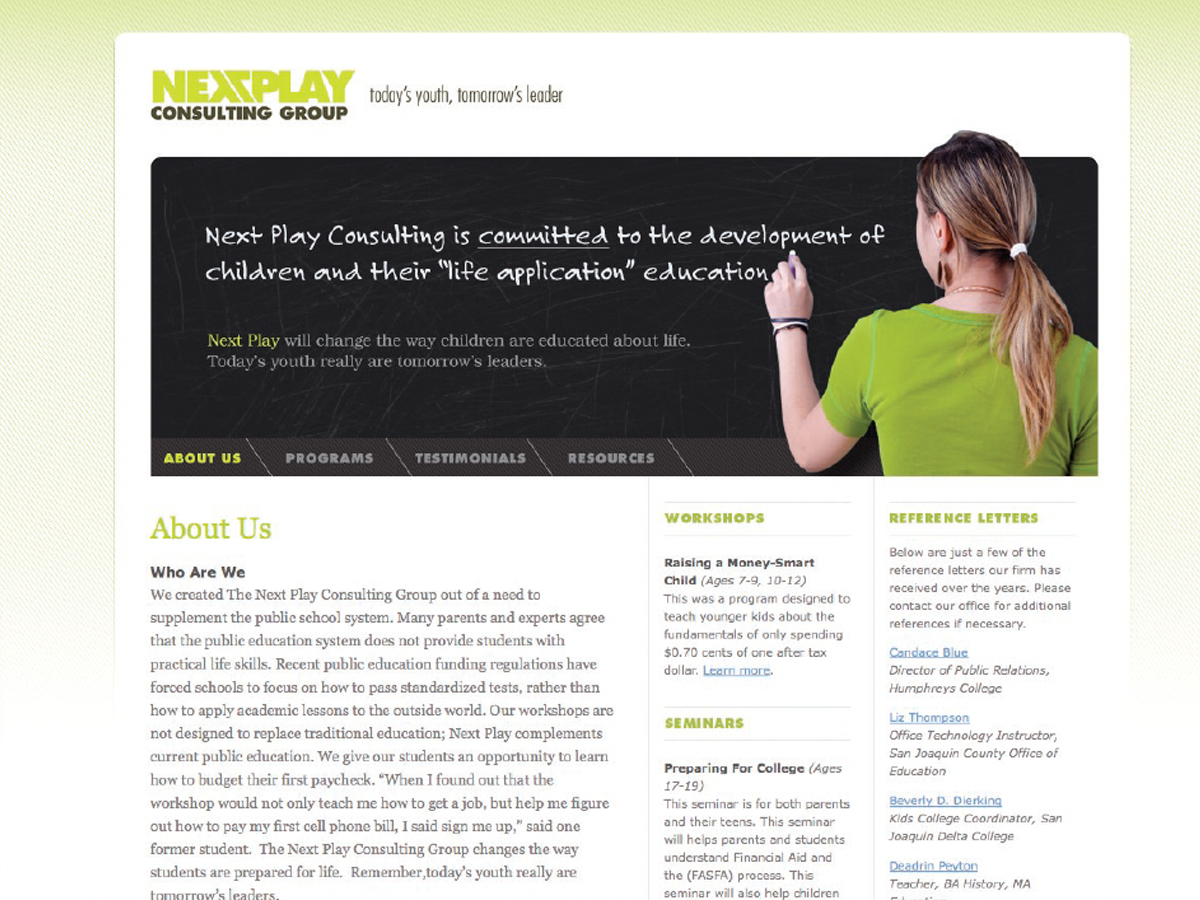
Before&After: Design a Chalkboard Web Banner
Handwriting on a strong design element makes a powerful, simple statement.

Article
How to Add a .75 pt Stroke Preset
John wrote: Has anyone see a way to add more stroke size presets in InDesign? I...
Article
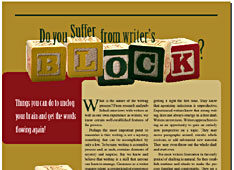
The Creative Type: Making Headline Graphics in InDesign
Laying out a feature article gives you the opportunity to really get creative wi...